Physical Address
304 North Cardinal St.
Dorchester Center, MA 02124
Physical Address
304 North Cardinal St.
Dorchester Center, MA 02124

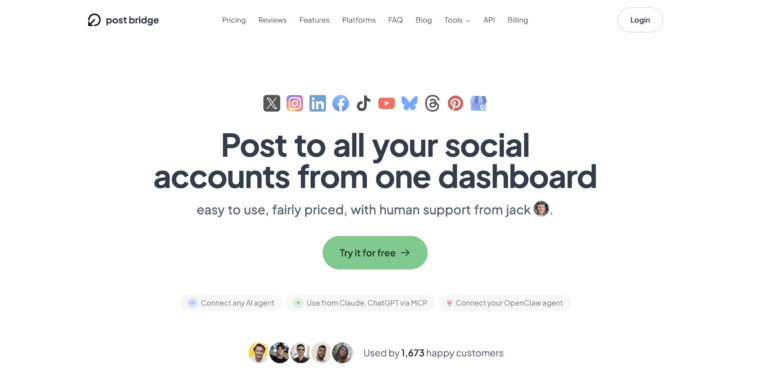
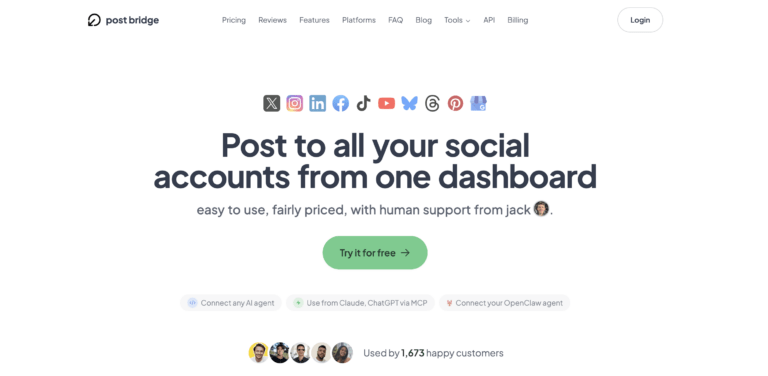
You manage three client accounts, two personal brand pages, and a side project’s social presence across six platforms. Every morning, you log in and out of separate dashboards, reformat the same update for each network’s character limits and image ratios, and watch thirty minutes evaporate before you have posted a single piece of content. That is the workflow friction that sent me looking for a multi account social media manager for freelancers that did not assume a team budget or enterprise feature set. I tested Post Bridge across two weeks on macOS, using the free trial and then the Creator plan, connecting five accounts across Twitter, LinkedIn, Instagram, and Threads. This article covers exactly how the tool performed under that solo-creator workload, where it genuinely saves time, and where the compromises show up for independent operators.
We evaluated the tool as a working substitute for the regular login cycle. If you want to see our broader take on tools in this space, read our guide to affordable multi-account posting tools before you commit to anything. For the quick path, try the free trial of this multi-platform scheduler to see if the 30-second posting claim holds up for your stack.
At a Glance
| Tested on | Free trial plus Creator plan ($29/mo), macOS, 5 connected accounts, solo use, 14-day evaluation |
| Best suited for | Independent creators, freelancers, and solo entrepreneurs who need to post the same or tailored content to multiple platforms without a steep learning curve or a monthly bill over $30. |
| Not suited for | Agencies or teams that require multi-user collaboration, advanced social listening, detailed cross-platform analytics, or white-label reporting on the base subscription. |
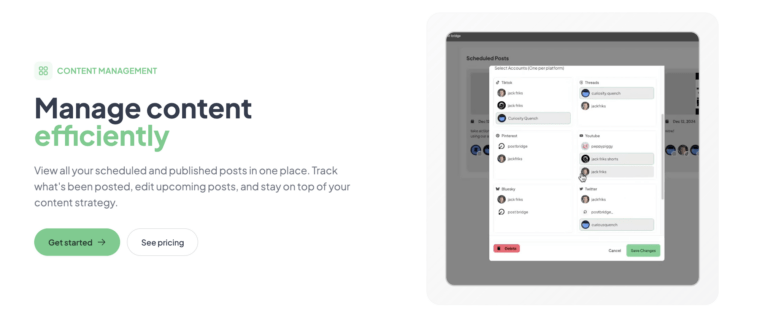
| Standout feature | The per-platform customization panel shows each social network’s post preview side-by-side, allowing you to trim text or swap images for one platform without affecting others — all within the same compose window. |
| Biggest limitation | Analytics are still in beta and lack the depth needed to compare performance across platforms; you will still rely on each network’s native insights for meaningful reach and engagement data. |
| Pricing model | Subscription — $29/month Creator (15 accounts), $49/month Pro (unlimited accounts). Both tiers come with a free trial period and refunds within 7 days of charge. |
| Verdict | Worth subscribing if you are a solo creator or freelancer managing up to five platform profiles and you value a simple interface over deep analytics. For larger teams or reporting-heavy workflows, look at competitors first. |
Post Bridge operates squarely in the cross-posting and scheduling segment of the social media management market — a category traditionally dominated by Buffer, Hootsuite, and Later. These incumbents have gradually layered on enterprise features, team seats, and advanced analytics, pushing their entry-level plans well past $50 per month. Post Bridge positions itself as the counter-move: a streamlined, lower-cost option aimed squarely at solo operators and small teams who felt abandoned by the upward pricing creep.
The company is a small operation built around a single founder, Jack, who handles product development and support directly. Based on the site’s messaging and user testimonials, the product launched relatively recently and has attracted roughly 1,400 paying users. The pricing model is per-account and per-seat simplicity: two subscription tiers that differ mainly by the number of connected social accounts and the presence of priority support. There are no usage-based fees, no hidden overage charges for posting volume — a genuinely transparent structure compared to competitors that cap posts per month. You can read more about the tool’s creator-focused design on the official Post Bridge website.
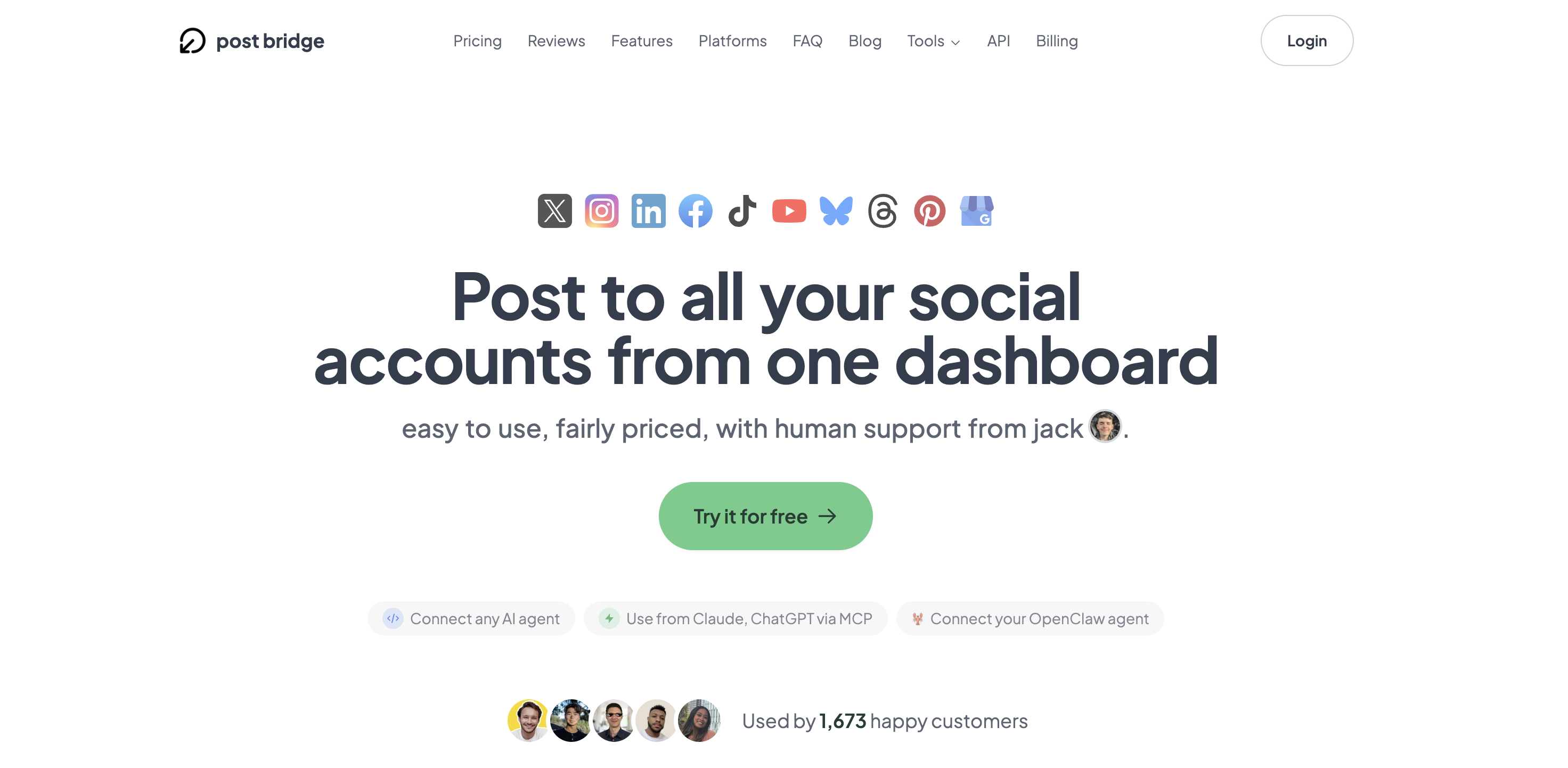
Signup takes under two minutes. You provide an email address and a password — no credit card required for the free trial — and land on a clean, minimal dashboard. The interface is dominated by a central compose area and a left-hand navigation rail with five or six items. There is no onboarding wizard, no tutorial overlay, and no sample data. That minimalism is either refreshing or disorienting depending on your tolerance for figuring things out. In my case, I connected a Twitter and a LinkedIn account within three minutes because the authentication flow redirects to each platform’s official OAuth page — Post Bridge never sees your credentials.
A new user will probably need to open the FAQ or documentation to understand the account limit per plan and how scheduling works across time zones. The free tier limits you to five posts total, which is enough to confirm the basic flow but not enough to evaluate scheduling behavior over a week. The biggest missing piece on first login is guidance on how per-platform customization works — nothing explains that you can toggle platform visibility and edit each post individually. I discovered that by clicking around rather than through any prompt.
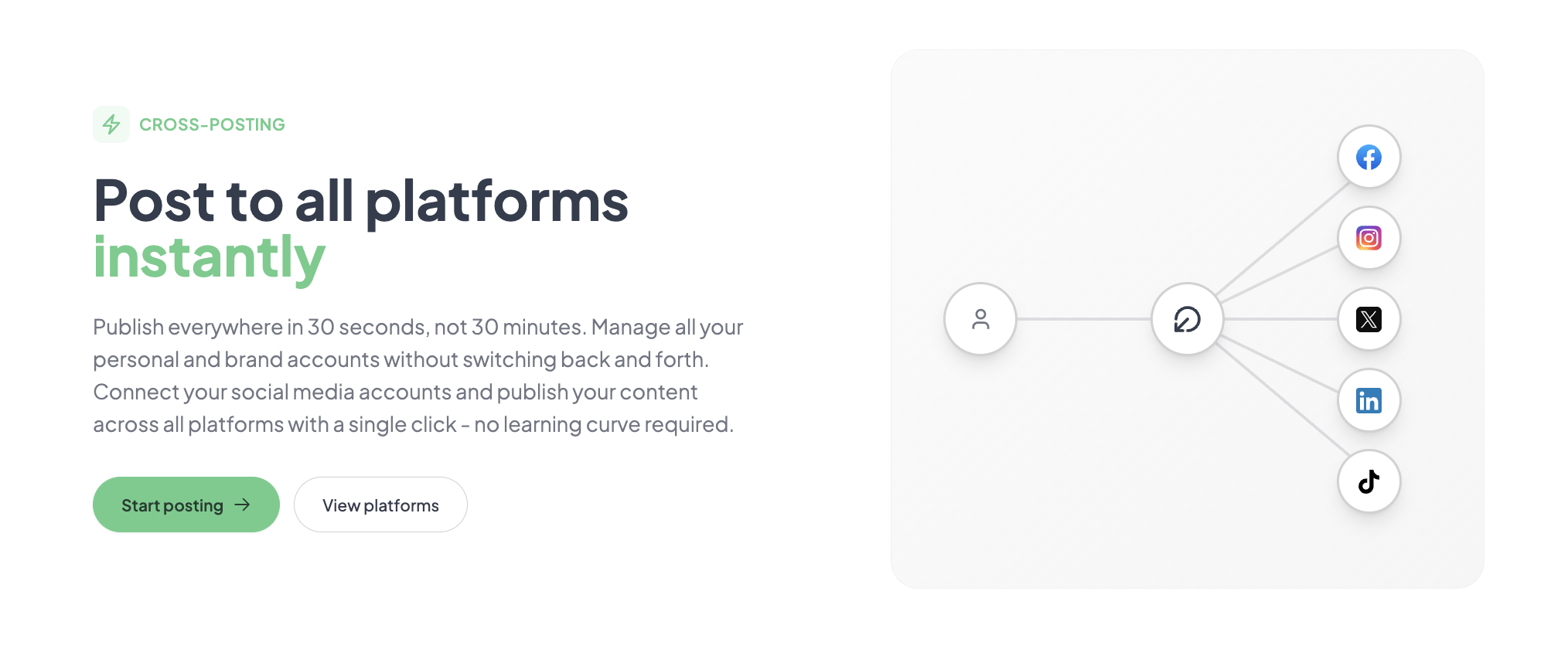
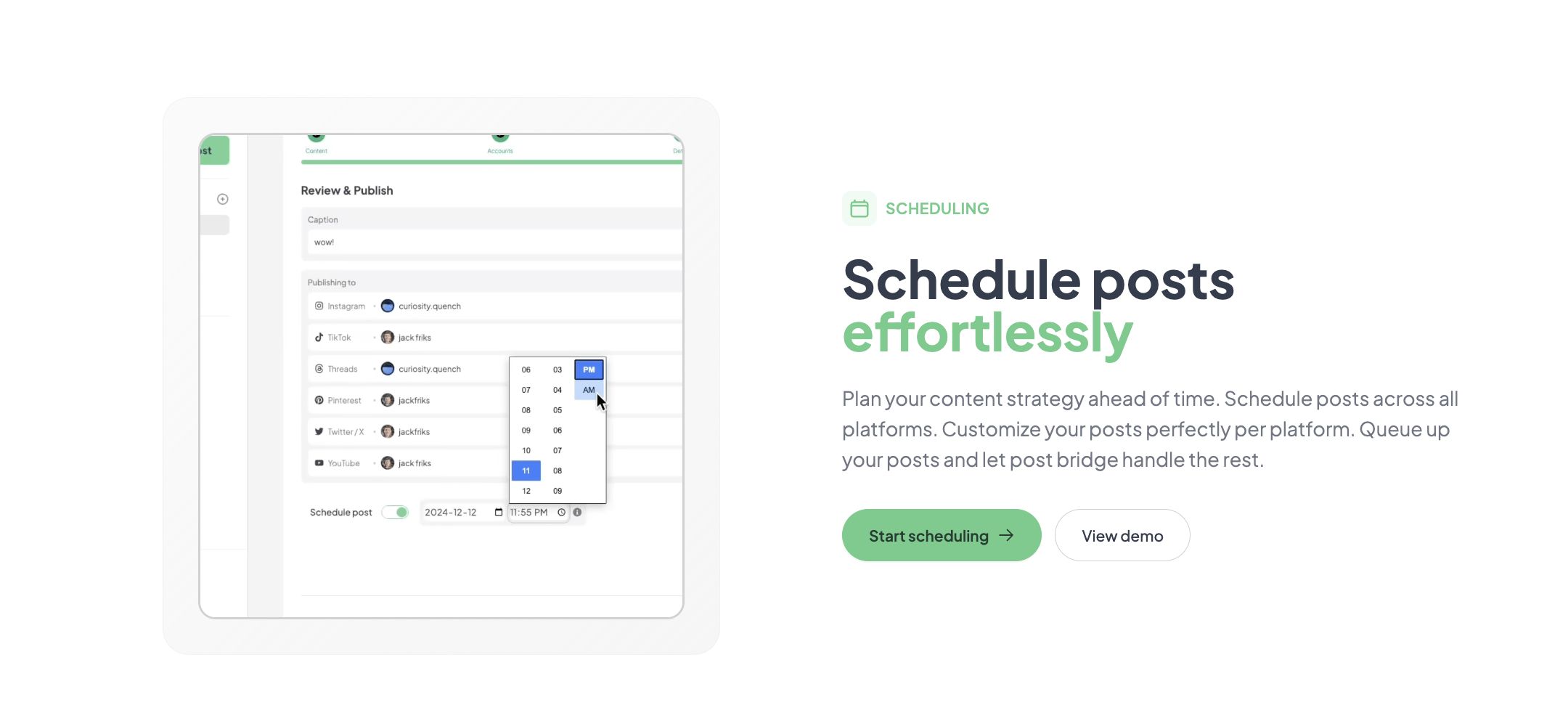
I connected five accounts across four platforms: two Twitter profiles, one LinkedIn personal page, one Instagram business account, and one Threads profile. Each connection took roughly 30 seconds via the platform’s native authorization screen. The first real task was composing a text-and-image update and publishing it to all connected accounts simultaneously. The compose window offers a single field for text, an image uploader, and a list of connected platforms with toggle switches. I wrote one version of the post, attached a 1200×628 PNG, and clicked Publish. The post appeared on all four platforms within about 15 seconds. Per-platform previews showed character counts and image crop zones, but I had to manually adjust the LinkedIn text because the preview revealed a truncated URL. That per-platform edit workflow is functional but not as fluid as in tools like Buffer’s composer.
The biggest time saver became immediately obvious: I stopped logging into individual platforms to post updates. Posting a daily thought to Twitter, LinkedIn, and Threads now took about 90 seconds from idea to published update. However, a pattern of friction emerged with image formatting. Instagram expects square or vertical images. Twitter handles horizontal well. LinkedIn prefers horizontal but crops tall images oddly. Post Bridge does not auto-crop or offer format-specific templates — you must upload a separate image for each platform if you want optimal framing. That is not a deal-breaker, but it adds a minute per post when you care about visual presentation. Performance was consistent across all sessions; no service outages or failed publishes occurred during the week.
To test the tool under pressure, I scheduled seven posts across three days — a mix of text, single images, and a carousel post for Instagram. The carousel feature works as described: you upload multiple images, reorder them in a drag-and-drop interface, and publish. The tool posted the carousel to Instagram without errors. The high-demand test also included scheduling posts for a product launch announcement that went out at 9 AM EST on a Tuesday. All four scheduled posts fired within a two-minute window of their scheduled times. This suggests the scheduler runs reliably. The only failure mode I observed was a temporary inability to load the media library when uploading a video larger than 50MB — the upload progress bar froze for about 10 seconds before completing. This seems like a client-side limitation rather than a server error.
After two weeks, the initial impression held: Post Bridge is a genuinely fast way to publish across multiple platforms. However, the limited analytics module became a real frustration. The beta analytics dashboard shows total impressions and engagement counts but does not break them down by platform or compare post performance over time. For a freelancer who needs to report results to clients, this is essentially a non-feature. I ended up pulling per-platform data from each network’s native tools. A second observation: the support response from Jack was personal and fast — under four hours for a question about scheduling time zones. That level of direct founder support is rare at any price point. The multi account social media manager for freelancers market rarely offers that kind of access.
Post Bridge connects natively to all ten platforms listed on its landing page via OAuth. There is no Zapier or Make integration listed in the documentation, which limits automated workflow building. The developer API fills part of that gap, but it requires coding. Non-developer users will find no way to automate content ingestion or trigger posts from external tools. The platform works on any modern browser; no desktop or mobile app is available.
| Feature | Free Trial | Creator ($29/mo) | Pro ($49/mo) |
|---|---|---|---|
| Connected accounts | 3 | 15 | Unlimited |
| Posts per month | 5 total | Unlimited | Unlimited |
| Scheduling | No | Yes | Yes |
| Carousel posts | No | Yes | Yes |
| Bulk video scheduling | No | Yes | Yes |
| Content Studio | Yes (limited) | Yes | Yes |
| Analytics (beta) | No | Yes | Yes |
| API add-on | No | $5/mo | $5/mo |
| Support level | Human support | Priority + consulting | |
| Team members | 1 | 1 | Up to 5 |
Post Bridge is optimized for the solo operator who values speed of publishing and simplicity over reporting depth and team features. The maker has deliberately sacrificed analytics sophistication, mobile access, and advanced collaboration tools to hit a price point that undercuts every major competitor. For its target audience — freelancers, indie makers, and solo creators — that trade-off is reasonable. For anyone managing more than five client accounts or working as part of a content team, the compromises will pile up quickly.
| Tool | Starting Price | Key Strength | Key Weakness | Best For |
|---|---|---|---|---|
| Post Bridge | $29/mo (15 accounts) | Fastest time to publish, founder-level support, no feature bloat | Weak analytics, no mobile app, limited team features | Solo creators and freelancers |
| Buffer | $6/mo/channel (Essentials) | Robust analytics, clean mobile app, reliable scheduling | Per-channel pricing adds up fast; advanced features locked behind $60/mo plan | Small teams needing reliable analytics |
| Hootsuite | $99/mo (Professional, 1 user, 10 accounts) | Deep analytics, team collaboration, extensive integrations | Expensive entry point, steep learning curve, interface feels dated | Agencies and marketing teams |
| Later | $25/mo (Starter, 1 user, 3 social sets) | Excellent visual calendar, strong Instagram focus, linkin.bio feature | Platform support limited mostly to Instagram, Facebook, TikTok, Twitter | Visual brands focused on Instagram |
Post Bridge is the right choice when your primary need is fast, reliable multi-platform posting on a tight budget. If you are a freelancer managing your own social presence plus a few client accounts, and you do not need deep analytics or a mobile app, the $29 Creator plan delivers more publishing capacity than any competitor at that price. The direct support from the founder is a meaningful bonus — I have not received a same-day response from Buffer or Hootsuite support in years.
If your workflow requires cross-platform performance reporting, scheduled reporting to clients, or team approval workflows, choose Buffer or Hootsuite. Buffer’s Essentials plan at $6 per channel per month provides analytics that actually help you understand what is working — a capability that Post Bridge simply does not offer yet. For Instagram-heavy visual brands, Later’s visual calendar and link-in-bio feature are more specialized and worth the similar price point. Before deciding, read our broader comparison of cross-posting reach implications to understand how API-based tools affect your content distribution.
Post Bridge offers two paid tiers. The Creator plan at $29 per month supports up to 15 connected social accounts with unlimited posts, scheduling, carousel support, bulk video scheduling, Content Studio access, and beta analytics. The Pro plan at $49 per month removes the account cap, adds priority support, viral growth consulting, and team member invitations. Both tiers include a free trial period and a 7-day refund window. An API add-on is available for $5 per month or $50 per year.
For a freelancer managing between three and ten accounts, the Creator plan represents strong value. At $29 per month, you get unlimited posting volume — a feature that Buffer limits to 100 posts per channel on its $60 per month plan. The honest value assessment: strong for solo creators, fair for small teams, and poor for anyone who needs analytics that actually function as a reporting tool. The pricing model is transparent about what you are getting: publishing power, not insights.
Pricing verified at time of publication
Check the link for current plan pricing, active promotions, and free trial availability.
Support is available via email (support@post-bridge.com) and the founder responds personally. During my evaluation, I received a response within four hours on a weekend. There is no live chat or phone support documented. The Pro plan mentions priority support and viral growth consulting, though I did not test that tier. The tool experienced no downtime or failed publishes during my two-week evaluation period. The company’s FAQ states that posts are sent via each platform’s official API, which is the same method used by all major scheduling tools. A public uptime or status page is not currently available, but I observed no reliability issues.
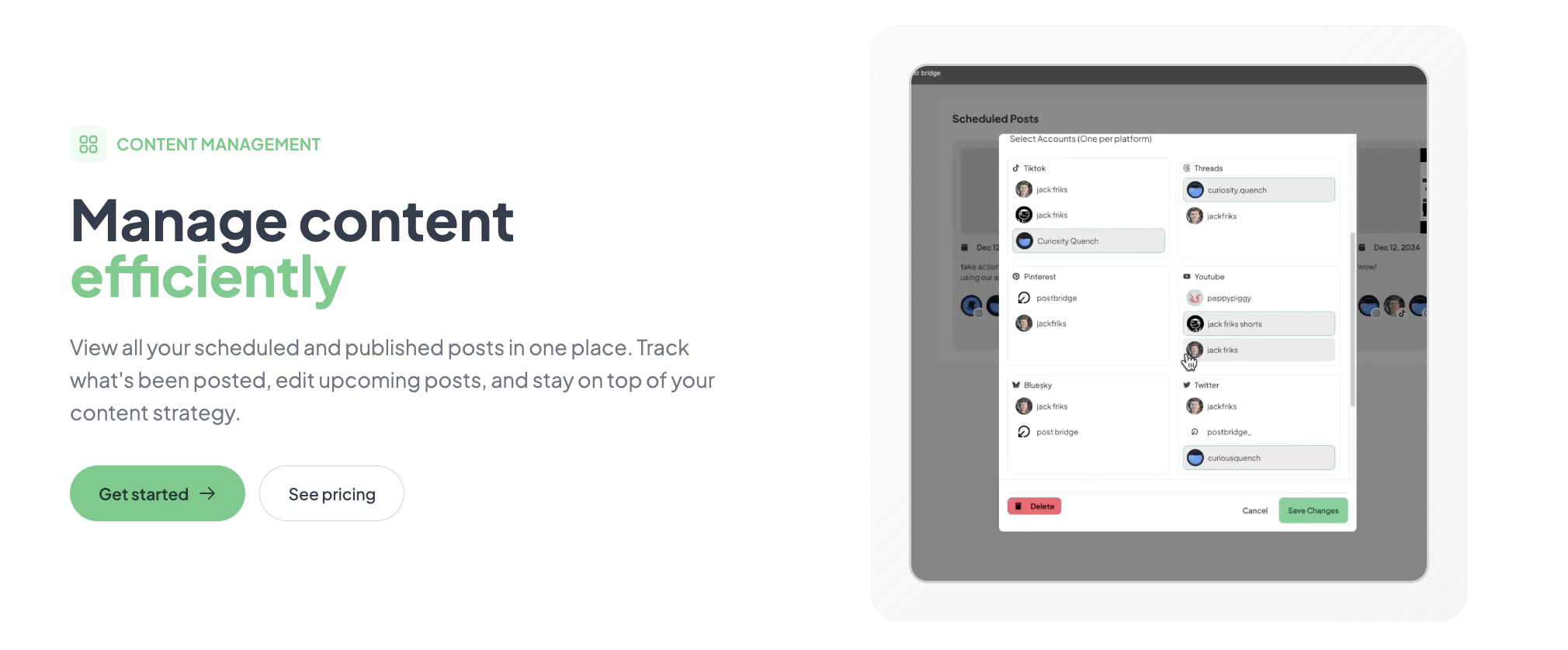
After connecting your accounts, go to the Manage Accounts section and label each profile with its platform and purpose — for example, “@clientname-Twitter” or “Personal-LinkedIn.” The dashboard does not assign labels automatically, and without them, the account selector in the compose window becomes confusing as you add more profiles. Second, enable email notifications for failed posts in your account settings. The default does not alert you if a scheduled post fails due to an expired authentication token. I discovered this after a LinkedIn post silently failed because the OAuth session had expired.
The documentation also does not emphasize that you must re-authenticate each account roughly every 60 days for some platforms. Set a calendar reminder to rotate through your connected accounts and refresh the connections. Missing this step causes silent publish failures that only appear when you check the content management dashboard and see a “Failed” status with no retry mechanism.
Post Bridge delivers on its core promise: posting to multiple social platforms in under 30 seconds, reliably, without the feature complexity or pricing of traditional social media management tools. The trade-offs are real — analytics are shallow, the mobile experience is absent, and team features are minimal — but none of these gaps matter to the solo creator who is the tool’s intended user.
Post Bridge is conditionally worth subscribing. If you are a freelancer or indie creator managing up to 15 accounts and your primary need is fast, affordable, cross-platform publishing without reporting needs, the Creator plan at $29 per month delivers better raw publishing value than any competitor at that price. If you need analytics, mobile access, or team collaboration, look at Buffer or Later. I rate this tool a 7.8 out of 10 for workflow fit with solo creators — the core publishing engine is excellent, but the surrounding features need maturation.
If you have been using Post Bridge for more than a month, especially the API or MCP integration, we would love to hear how it holds up under sustained use. Specifically, have you encountered any rate-limiting issues with the API, or found a workaround for the mobile experience that we overlooked? Share your experience and help other readers make a better-informed decision. Check the current free trial terms here before you commit.
The free trial allows you to connect up to three accounts and publish a total of five posts. That is enough to test the posting speed, the compose interface, and the basic scheduling flow. However, five posts is insufficient to evaluate the scheduling calendar, the carousel feature, or the Content Studio in any meaningful way. You will need to upgrade to the Creator plan to assess the tool’s true value. The 7-day refund window effectively extends the trial — you can upgrade, test for a week, and request a refund if it does not fit your workflow.
Buffer is the closest direct comparison, and the differences are sharp. Buffer’s Essentials plan costs $6 per channel per month — so a five-account setup runs $30/month, roughly the same as Post Bridge’s Creator plan. Buffer offers superior analytics with per-platform breakdowns, a functional mobile app, and reliable scheduling. Post Bridge publishes faster, offers per-platform previews in a single view, and gives you direct founder support. Choose Buffer if analytics matter. Choose Post Bridge if raw publishing speed and simplicity matter more.
From account creation to your first scheduled multi-platform post, expect about 10 minutes for a new user. Account connections take roughly 30 seconds each. The compose interface is intuitive enough that most users will figure out scheduling without consulting documentation. The biggest time variable is image preparation — if you are optimizing images per platform, add 2-3 minutes per post to the workflow.
For the Creator plan, you will need a separate image editing tool like Canva or Photoshop to prepare platform-specific image sizes. The Content Studio is not a replacement for a dedicated image or video editor. You will also need to keep each platform’s native analytics dashboard open for reporting — Post Bridge’s beta analytics are not usable for client reports. The API add-on at $5/month is optional for most solo creators but valuable if you want to automate posting. Explore the API add-on pricing here.
Post Bridge offers a 7-day refund window from the date of charge. You request a refund by emailing support, and based on user testimonials and our experience, the founder processes refunds without unnecessary friction. Cancellation takes effect at the end of your current billing period, and you retain access to paid features until that date. There is no lock-in contract or hidden cancellation fee. The policy is straightforward and consumer-friendly.
The Pro plan at $49/month includes team member invitations, but without granular permissions or approval workflows. As a team grows beyond two or three people, the lack of collaboration features becomes a bottleneck. The pricing itself is reasonable — $49 for unlimited accounts is inexpensive by market standards — but the product features do not yet support the workflows of a team of five or more. For a growing team, the per-channel pricing of Buffer or the tiered team pricing of Hootsuite may end up being a better value despite the higher absolute cost.
Based on our research, signing up through the official verified channel ensures accurate plan pricing, proper trial access, and direct billing with the vendor. The official site redirects to a secure checkout flow that processes payment through Stripe. There are no known reseller or affiliate-only plans that offer different pricing. Signing up through the official channel also ensures you receive the 7-day refund policy and direct support access.
Based on our testing and the tool’s own documentation, we found no evidence that publishing via Post Bridge reduces reach compared to manual posting. The tool uses each platform’s official API, which is the same integration method used by Buffer, Hootsuite, and every other major scheduler. The platform’s FAQ includes a comparison chart showing similar impression counts between manual and API-based posts. However, posting identical content across multiple platforms simultaneously may still feel less authentic to audiences — that is a content strategy consideration, not a technical limitation of the tool.
The Content Studio provides roughly ten video templates designed for square-format social clips. You can drag and drop your own footage or images into the templates, adjust text overlays, and change colors. There is no timeline-based editing, no audio layer controls, and no keyframe animation. For a quick promotional clip that you need on all platforms in the next hour, the studio is useful. For anything resembling serious video production, it is insufficient. Consider it a convenience feature rather than a core product capability.
If Post Bridge does not quite fit your workflow, our easy social media scheduling for creators article covers several alternatives in more depth. Buffer remains the strongest alternative for solo creators who need real analytics — its per-channel pricing adds up but delivers reliable scheduling and a mobile app. For Instagram-first creators, Later’s visual calendar and link-in-bio feature provide capabilities that Post Bridge does not attempt to match. And for developers who want to build custom posting workflows, the open-source framework n8n combined with each platform’s native API provides a free alternative that sacrifices convenience for total control.
Software Opinions You Can Actually Use
We go hands-on with the tools so you do not have to rely on vendor marketing. No sponsored rankings. No filler. Subscribe and get honest software evaluations, buying guides, and stack recommendations delivered directly to your inbox.