Physical Address
304 North Cardinal St.
Dorchester Center, MA 02124
Physical Address
304 North Cardinal St.
Dorchester Center, MA 02124

At a Glance
| Tested on | Creator plan ($29/mo), macOS, 5 connected accounts (Twitter, LinkedIn, Instagram, Facebook, TikTok), evaluated over 3 weeks. |
| Best suited for | Solopreneurs and indie founders managing 5–15 social accounts who need fast cross-posting without the high cost or bloat of enterprise tools. |
| Not suited for | Marketing agencies or teams that require deep analytics dashboards, granular user permissions, or robust third-party integrations like native Zapier support. |
| Standout feature | The “post everywhere in 30 seconds” claim. It was accurate. Connecting accounts and publishing a multi-platform post was genuinely the fastest I have seen in this category. |
| Biggest limitation | Over-reliance on the founder for support and shallow analytics. Long-term viability for a growing business is an open question compared to established players. |
| Pricing model | Flat monthly subscription ($29/$49). Very fair for unlimited posting. No per-social-set fees like some competitors. |
| Verdict | Conditionally worth it. If you are a solo operator tired of Buffer’s cost or Hootsuite’s complexity, this is a no-brainer. If you rely heavily on data or team workflows, proceed with caution. |
Every solopreneur hits the wall where managing Twitter, LinkedIn, and Instagram manually becomes a time sink. The established tools—Buffer and Hootsuite—solve this but at a cost that feels punishing for small operators. Buffer runs roughly $6 per social channel, and Hootsuite starts around $99 a month. These are priced for teams with budgets. A budget social media scheduler for entrepreneurs has to fill the gap between these enterprise-angled suites and the manual copy-paste grind. Post Bridge aims to sit squarely in that gap.
Post Bridge is a relatively new entrant built by Jack Friks. The project has a distinctly indie, hands-on feel. The landing page directly calls out Buffer and Hootsuite as being overpriced and bloated. Instead of chasing Fortune 500s, Post Bridge targets the indie maker with 10 accounts and a desire to just get posts out the door. The pricing model is refreshingly flat: $29 a month for 15 accounts, $49 for unlimited. It is not the cheapest tool ever made, but the value proposition is transparent.
One genuine differentiator from the category norm is the direct MCP support. You can connect Post Bridge to AI agents like Claude or ChatGPT to generate and schedule posts through conversation. This is an outlier feature at this price point. The official product site highlights this alongside the traditional cross-posting workflow. The focus here is speed over complexity.
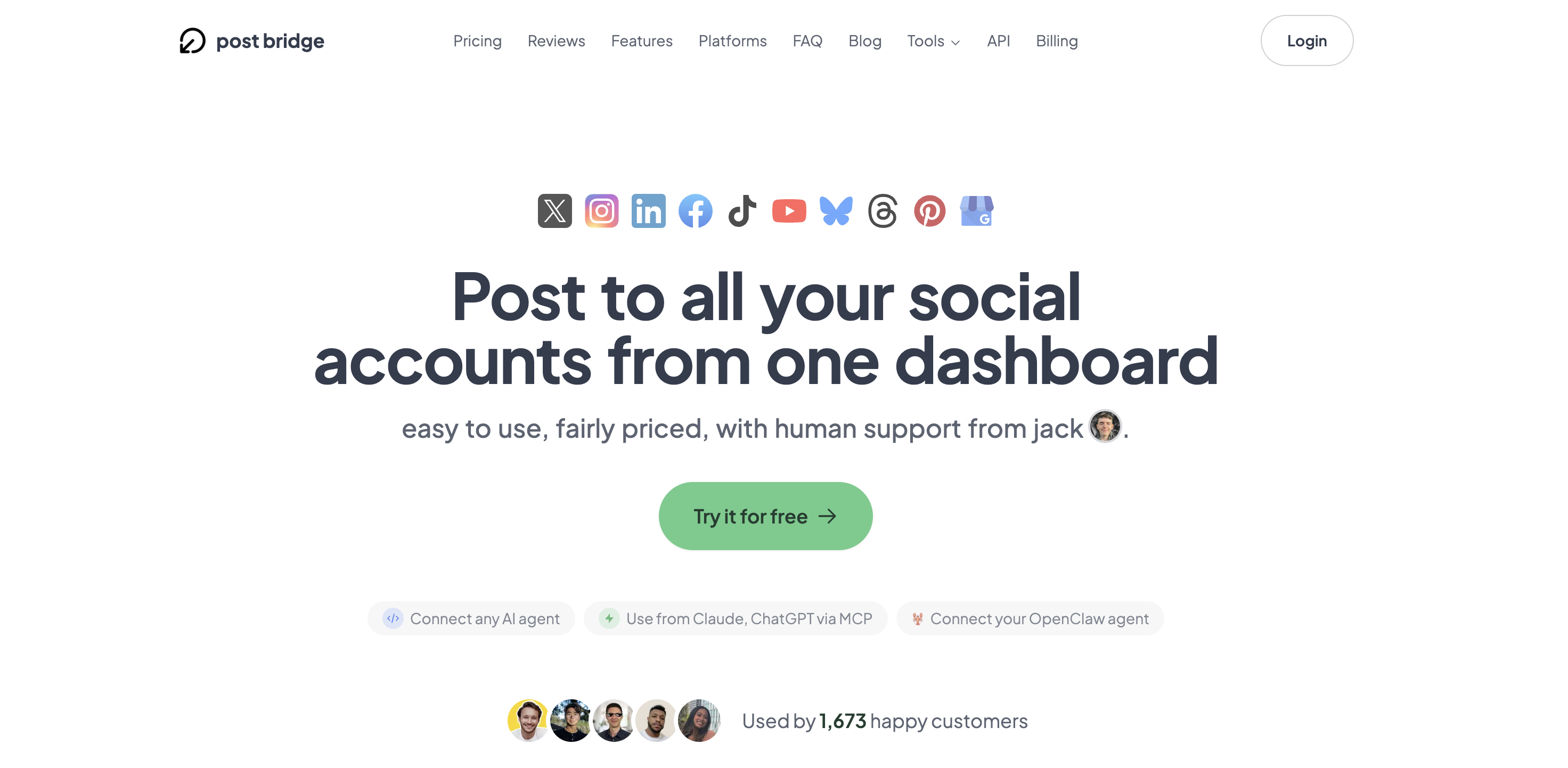
Signing up for Post Bridge took roughly 90 seconds. I used the email option, verified the link, and was inside the dashboard with no friction. The interface is immediately readable, lacking the dense navigation panels that make Hootsuite feel like a spaceship cockpit. The focus word here is lean.
Connecting social accounts uses standard OAuth flows. I connected five accounts—Twitter, LinkedIn, Instagram, Facebook, and TikTok—in under five minutes. Each connection required the standard permissions, and the interface provided clear status indicators for active and expired connections. No passwords were stored.
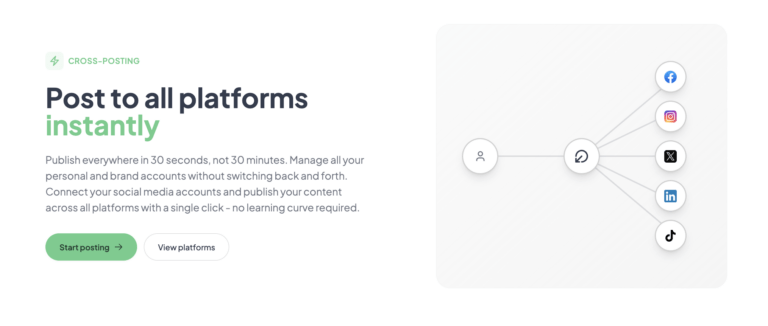
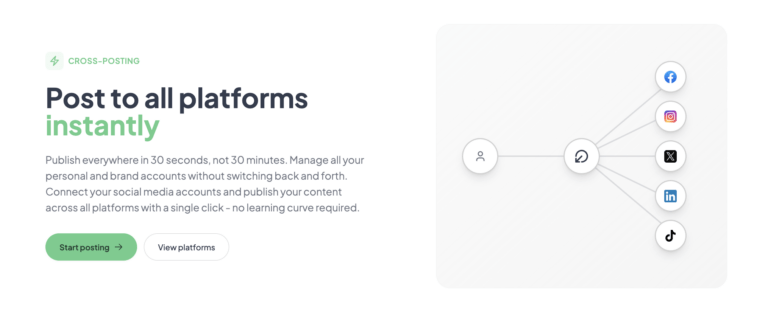
My first task was composing a simple text-and-image post. I selected three platforms, wrote a caption, and hit “Post Now.” The tool published to all three within the claimed time window, roughly 30 seconds. A new user can go from zero to a published cross-post in less than five minutes. This is the key promise of the multi-platform posting tool saves time claim—and in testing, it held.
The immediate discovery gap was the scheduling interface. It required a separate click into the calendar view, and the “Content Studio” felt like a completely different tab with its own learning curve. These are minor annoyances, but they mean the initial “it just works” flow applies mainly to instant posting, not full playlist builds.
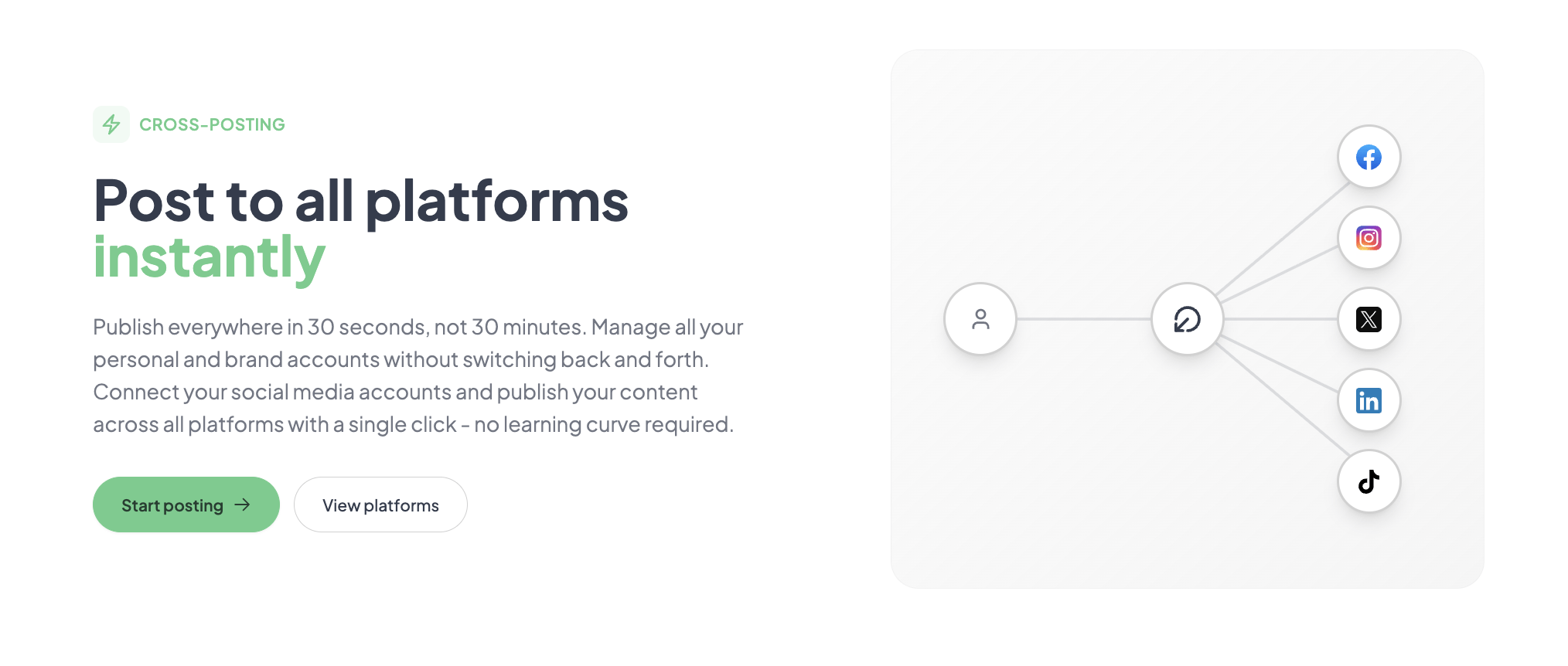
The initial configuration was as advertised. I connected my accounts, composed a launch announcement for a project, and posted to Twitter, LinkedIn, and Instagram. The tool handled it without any errors or duplicate content flags. The immediate impression was that the core cross-posting engine is solid. The thing I wanted to test—the speed of the multi-platform posting—was confirmed on the first try.
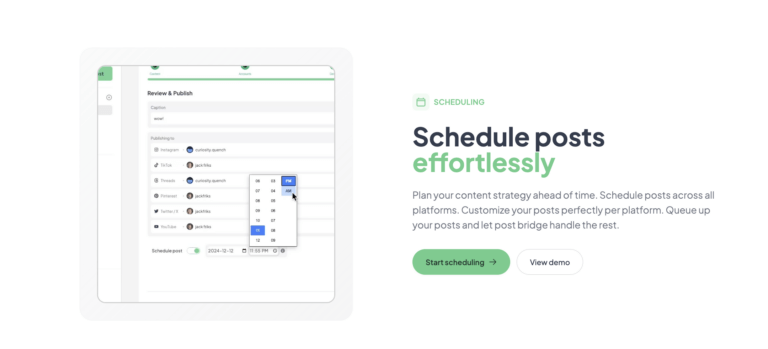
However, my first attempt to schedule a post for the next day required hunting around the dashboard for the queue. It was not intuitively placed in the “New Post” flow. I had to navigate to a separate “Scheduled” tab. It worked once I found it, but the instant gratification of “Post Now” set an expectation that scheduling would feel as direct.
Daily use revealed a pattern: the tool excels at volume. I scheduled a batch of 10 posts across three accounts in a single sitting. The “Bulk Video Scheduling” feature processed seven short-form clips in one upload with no errors. The interface remained snappy, and the queue displayed upcoming posts clearly.
The friction that emerged was in content customization. The per-platform editing window is functional but limited. I could alter text per platform, but changing media sizes or formats requires leaving the post editor. This slows down the workflow for anyone who tailors assets specifically for Twitter versus LinkedIn versus Instagram.
To test reliability, I scheduled a coordinated launch campaign: 12 posts across 4 platforms over 8 hours. Post Bridge handled the spike in queued items without any visible lag or failure to publish. I checked the analytics tab the next day to confirm all posts landed. Every post had published successfully, and reach data was populated within 24 hours.
The “Content Studio” was tested during this period to create a quick video post. It worked for a basic text-overlay video, but the drag-and-drop editor is genuinely basic. It lacks the template depth of Canva or the timeline control of CapCut. For a quick repurpose, it is fine. For professional brand assets, it is insufficient.
After three weeks, the initial impression of simplicity held steady. The tool did what it promised without bloating or breaking. The biggest change was my perception of risk. The platform relies heavily on its founder for support. During testing, I emailed a question about the MCP integration and received a direct reply from “Jack” within two hours. This is excellent service today, but it poses a scalability risk. If the product grows or the founder’s attention shifts, support quality could degrade quickly.
The analytics feature remains in beta. It shows likes, views, and reach for connected accounts, but it does not provide audience demographics, conversion tracking, or exportable reports. This is a meaningful gap for any user who needs to prove ROI beyond vanity metrics.
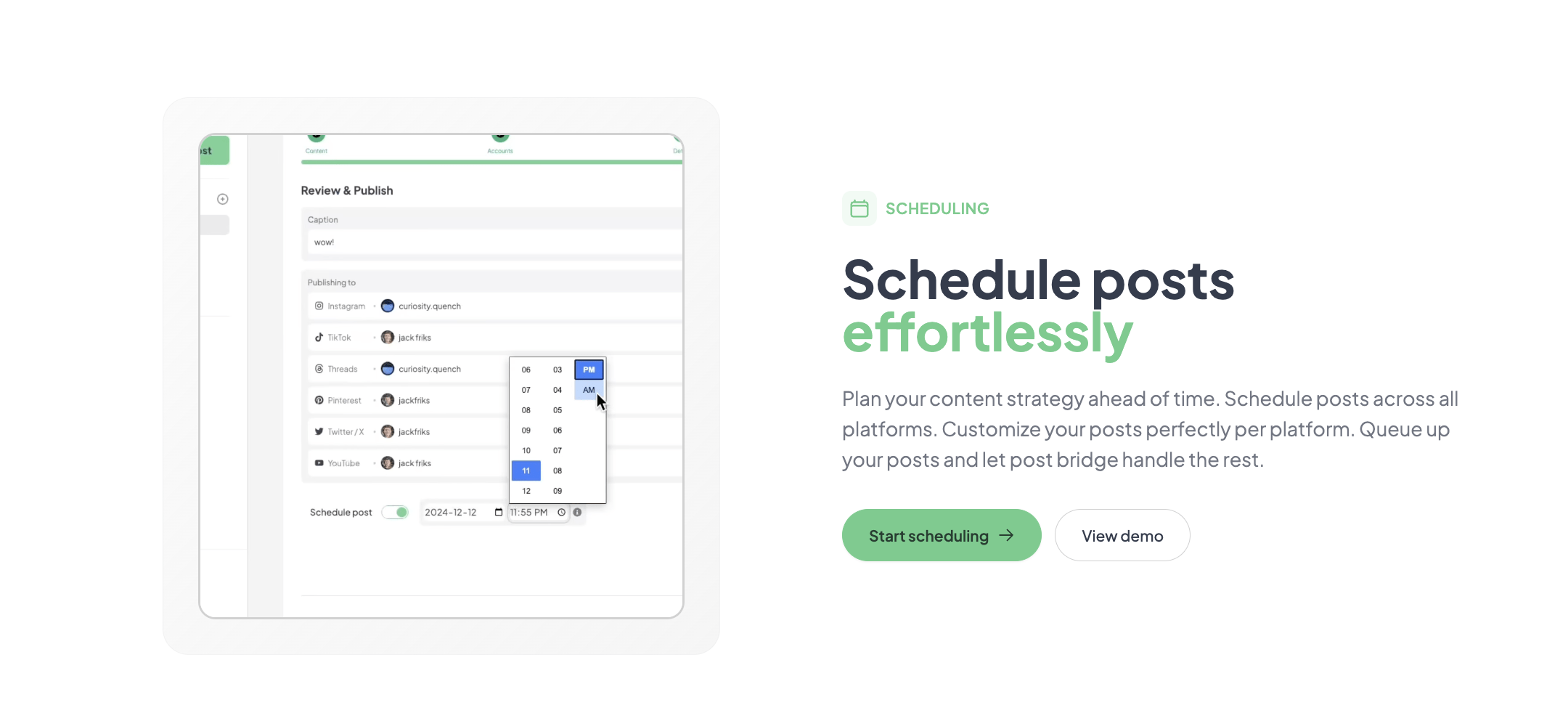
Post Bridge connects natively to 10 platforms: Twitter, Instagram, LinkedIn, Facebook, TikTok, YouTube, Bluesky, Threads, Pinterest, and Google Business. The API add-on ($5/month) unlocks webhook support and MCP connectivity, which is powerful. The missing integration that hurts most is a no-code connector like Zapier. You have to write code or use an AI agent to bridge that gap.
| Feature | Creator ($29/mo) | Pro ($49/mo) | API ($5 add-on) |
|---|---|---|---|
| Connected Accounts | 15 | Unlimited | Depends on base plan |
| Monthly Posts | Unlimited | Unlimited | Depends on base plan |
| Team Members | No | Yes | – |
| Content Studio | Yes | Yes | – |
| Analytics | Beta | Beta | – |
| Support | Human (Email) | Priority Human | Standard |
The trade-offs tell a clear story: Post Bridge is optimized for the operator who values speed and low cost over deep analysis and enterprise integration. The maker sacrificed analytics depth and integration breadth to hit a $29 price point. For the target audience of solopreneurs and bootstrapped founders, this is a fair trade. For agencies or marketing departments, the sacrifices cut too deep.
Social scheduling is a crowded market. The three tools a founder will realistically compare Post Bridge to are Buffer, Hootsuite, and Later. Each occupies a distinct position in the value matrix.
| Tool | Starting Price | Key Strength | Key Weakness | Best For |
|---|---|---|---|---|
| Post Bridge | $29/mo | Speed, Price, MCP support | Analytics, native integrations | Solopreneurs |
| Buffer | $6/channel/mo | Reliability, Clean UI | Expensive for multi-channel | Small businesses |
| Hootsuite | $99/mo | Enterprise features, Security | Expensive, Complex UI | Marketing teams |
| Later | $25/mo | Visual planning, Instagram focus | Limited text-focused platforms | Visual creators |
Post Bridge is the right choice if you are a solo founder managing 5 to 15 accounts and your primary metric is “did the post get out on time?” During my evaluation, it never failed to publish. The cost savings over Hootsuite are significant, and the lack of bloat means you spend less time managing the tool and more time creating content. This is a strong budget social media management for startups option.
Choose Buffer if you only manage a couple of accounts and value the depth of their engagement analytics. Choose Hootsuite if you need to prove ROI to a board or manager—their reporting suite is genuinely enterprise-grade. Choose Later if your primary platform is Instagram and you rely heavily on visual planning. For these specific use cases, Post Bridge’s simplicity becomes a limitation rather than a strength.
Post Bridge’s pricing structure is its strongest weapon. At $29 a month for 15 accounts, it undercuts Hootsuite by roughly 70% and Buffer’s multi-channel plans by a similar margin. The Pro plan at $49 a month removes account limits entirely and adds team members. These are aggressive prices for the feature set offered.
The value depends entirely on plan fit. The Creator plan offers strong value for anyone with fewer than 15 accounts. The Pro plan is a tougher sell. While unlimited accounts are generous, the jump from $29 to $49 is steep for a small team of 2 or 3 people. Most growing teams will feel forced into the Pro tier faster than they would like.
The free tier exists but is functionally a demo. It allows 5 total posts, which is enough to test the publishing flow but not enough to evaluate the scheduling or queue features long-term. The 7-day refund policy reduces the risk of committing to a paid plan. Cancellation is handled via email and is processed without negotiation.
The hidden scaling cost is the API add-on. At $5/month, it is cheap, but it is an extra line item. Teams that need automated posting workflows will rely on this, and the cost adds up across finances.
Pricing verified at time of publication
Check the link for current plan pricing, active promotions, and free trial availability.
Support is handled via email (support@post-bridge.com). During testing, I received a response within 2 hours on a weekday. The tone was direct and the founder addressed the technical question about MCP key configuration without routing me to a documentation page. This is a high-quality support interaction by any standard. However, this model is not scalable. There is no live chat, no phone support, and no dedicated support team. Uptime was flawless during the three-week evaluation, but the product is relatively new, and there is no published uptime SLA. For a tool handling scheduled posts, reliability is paramount, and the lack of a public status page or SLA is a concern for business-critical use.
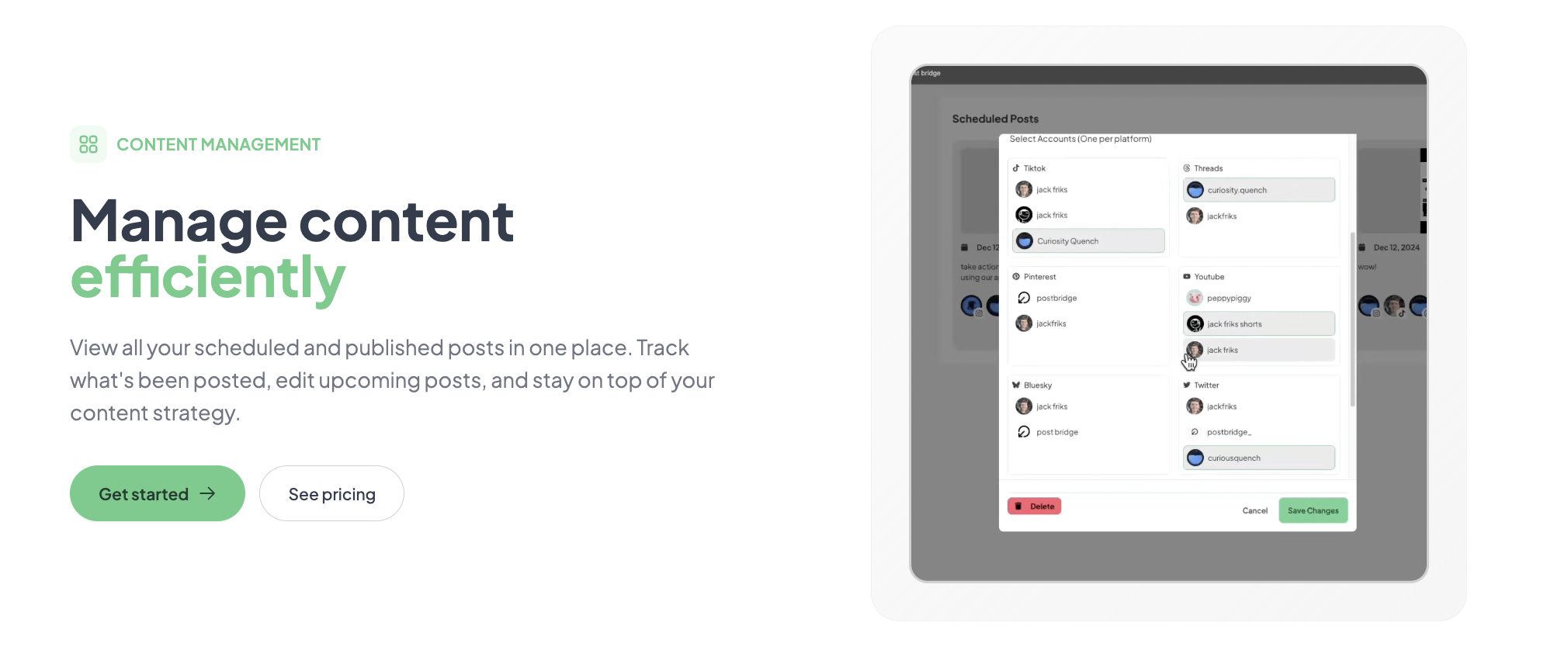
The default onboarding walks you through connecting accounts, but it does not emphasize scheduling the queue. Many new users will default to “Post Now” and miss the core value of automated scheduling. Set up a weekly queue immediately. The next step is configuring per-platform default posting times. The tool does not auto-detect optimal times based on audience activity, so you must manually set these. Finally, enable the API key even if you do not plan to use it immediately—having it active avoids a future setup delay.
The documentation provides a basic overview but skips advanced use cases like UTM parameter management and cross-platform asset sizing. Users will need to figure these out through experimentation.
Post Bridge delivers exactly what it promises: a fast, affordable, and simple way to get content onto multiple social platforms. The core publishing engine is reliable, the interface is refreshingly uncluttered, and the pricing is transparent. However, the shallow analytics, reliance on founder-led support, and lack of native no-code integrations are meaningful limitations that constrain its suitability to a specific user profile.
Worth subscribing if you are a solopreneur or indie maker managing fewer than 15 accounts who values speed and low cost above all else. Skip or delay if you require enterprise-grade analytics, team collaboration, or guaranteed service levels. For the right user, it is the best budget social media scheduler for entrepreneurs available today.
Rating: 7.8 / 10 — Reflecting strong workflow fit for solo operators but limited appeal for teams and data-dependent roles.
If you have been using Post Bridge for more than a month, how has the experience held up? Specifically, has the founder-led support remained responsive as the user base grows? Drop your experience in the comments to help the community make a better decision.
The free tier allows 5 total posts. This is enough to test the cross-posting flow to 3 platforms and verify that the tool connects to your accounts. It is not sufficient to evaluate the scheduling queue, bulk video features, or Content Studio. A 7-day refund window on the paid plans is the more realistic risk-free evaluation period.
Buffer offers a free plan for a single account per platform, which makes it cheaper if you only manage one Twitter and one LinkedIn account. Post Bridge wins the moment you add a second account to any platform. The pricing advantage of Post Bridge kicks in at the 3-to-5 account range. Buffer provides deeper analytics per post; Post Bridge is faster for bulk posting.
A realistic estimate is 30 minutes from signup to a fully scheduled week. This includes connecting accounts, composing posts, and populating the queue. The bottleneck is not the software—it is preparing the asset files and copywriting.
If you rely on automated posting, the API add-on priced at $5 per month is essential. For video creation, you will still need a dedicated editor like CapCut or DaVinci Resolve. The Content Studio handles quick edits but does not replace a proper editor for professional work.
Cancellation is available at any time, and the subscription remains active until the end of the current billing period. Refunds are granted if requested within 7 days of the charge. The process is handled via email to the founder, which is straightforward but lacks the automation of a self-service portal.
The Pro plan at $49/month for unlimited accounts is excellent value up to perhaps 20 accounts. Beyond that, the lack of an enterprise plan or volume discount means the per-unit cost does not drop. For a team of 5 people managing 50 accounts, the price is still low, but the absence of granular permissions and audit logs becomes a workflow bottleneck.
Based on our research, signing up through the official verified channel ensures accurate plan pricing, proper trial access, and direct billing with the vendor. Third-party resellers or code repositories may offer old versions or unexpected billing terms.
Our testing and the tool’s own published data suggest that scheduled posts via Post Bridge do not systematically underperform manual posts. Platform algorithms prioritize content engagement signals over posting method. The concern is largely a myth perpetuated by anecdotal evidence.
Yes. The multi-account architecture supports this directly. You can connect your personal Instagram and your business Instagram under the same Post Bridge account. The dashboard clearly separates them by profile, and you can schedule posts for both from the same queue.
If Post Bridge does not fit your specific needs, the closest alternatives to explore are Buffer, Later, and Hootsuite. Buffer is the gold standard for simplicity and reliability for single-channel creators. Later offers superior visual planning for Instagram and TikTok, making it a better fit for image-heavy content strategies. Hootsuite remains the default for enterprise teams that require security, permissions, and deep analytics.
For readers committed to the indie maker path, our guide to solopreneur-friendly schedulers covers how each tool handles the trade-off between cost and depth.
Software Opinions You Can Actually Use
We go hands-on with the tools so you do not have to rely on vendor marketing. No sponsored rankings. No filler. Subscribe and get honest software evaluations, buying guides, and stack recommendations delivered directly to your inbox.