Physical Address
304 North Cardinal St.
Dorchester Center, MA 02124
Physical Address
304 North Cardinal St.
Dorchester Center, MA 02124

Managing multiple social media accounts as a solo founder or small team often means a constant cycle of logging in and out of platforms, reformatting posts, and losing track of what went live where. After testing five different scheduling tools over the past year, the operational overhead never seemed to match the output. That search for a genuinely straightforward solution led to evaluating Post Bridge, a time-saving social media tool for entrepreneurs that promises cross-posting without the bloat. I tested the Creator plan on macOS across two weeks, connecting six accounts spanning Twitter, LinkedIn, Instagram, and TikTok. This article covers the hands-on evaluation, the real trade-offs, and whether this affordable alternative holds up for daily publishing workflows. For context on other budget-friendly options, see our roundup of the most affordable social media schedulers we have tested. Try Post Bridge free to see if it fits your stack.
At a Glance
| Tested on | Creator plan, macOS, 6 connected accounts, 2 weeks of daily use |
| Best suited for | Solo entrepreneurs and small teams who need straightforward cross-posting without enterprise pricing |
| Not suited for | Agencies or brands requiring deep analytics, team collaboration workflows, or custom reporting |
| Standout feature | Built-in Content Studio for quick video creation with templates that bypasses external editing tools |
| Biggest limitation | Analytics feature is still in beta and lacks the depth that growth-focused users will eventually need |
| Pricing model | Subscription at $29/month (Creator) or $49/month (Pro) with a 7-day refund window — fair for the feature set |
| Verdict | Worth subscribing for solo operators who value speed and simplicity over advanced analytics; skip if you need team seats or robust reporting. |
Post Bridge operates in the multi-platform social media scheduling space, a category long dominated by tools like Buffer, Hootsuite, and Later that charge $75–$200 per month for comparable account limits. The tool positions itself as an entry-level to mid-market option aimed at founders, indie makers, and small businesses who found existing solutions overpriced or overcomplicated. The company is a lean operation led by founder Jack, who appears to handle product development and support personally. That solo-founder model is a genuine differentiator here: support emails go to a person, not a ticket system, and the product roadmap feels driven by user requests rather than corporate priorities. The pricing model is straightforward subscription-based with two tiers — Creator at $29/month and Pro at $49/month — plus a $5/month API add-on. That is significantly below category norms, which makes it a best value social media scheduling for startups on paper. The official product site is at post-bridge.com.
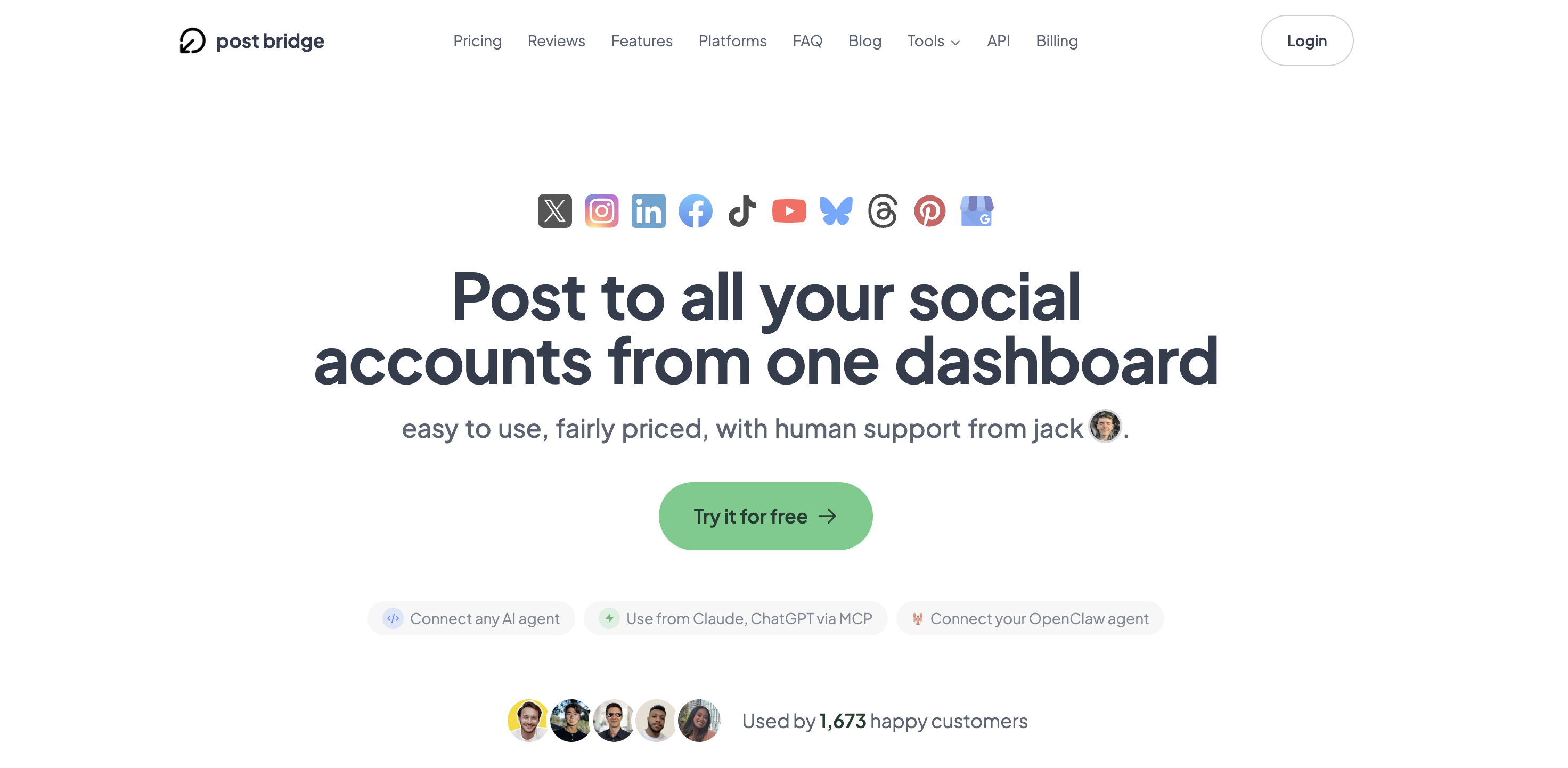
Signing up took roughly 90 seconds: email, password, confirm. No credit card required for the free trial, which is a welcome relief. The dashboard appears immediately after login — a clean, left-aligned navigation bar with sections for Posts, Schedule, Content Studio, and Analytics. The design language is minimalist, which signals that the tool prioritizes task completion over feature exploration. Connecting social accounts is done through platform-specific OAuth windows, and I had all six accounts linked within four minutes. The only friction point came when authorizing a TikTok business account, which required switching to a separate browser tab to complete the permissions flow. A new user can realistically create and schedule a first post in under five minutes without touching any documentation. That ease of setup is a strong indicator that this multi-platform posting tool pros and cons evaluation will center on real usability rather than configuration complexity.
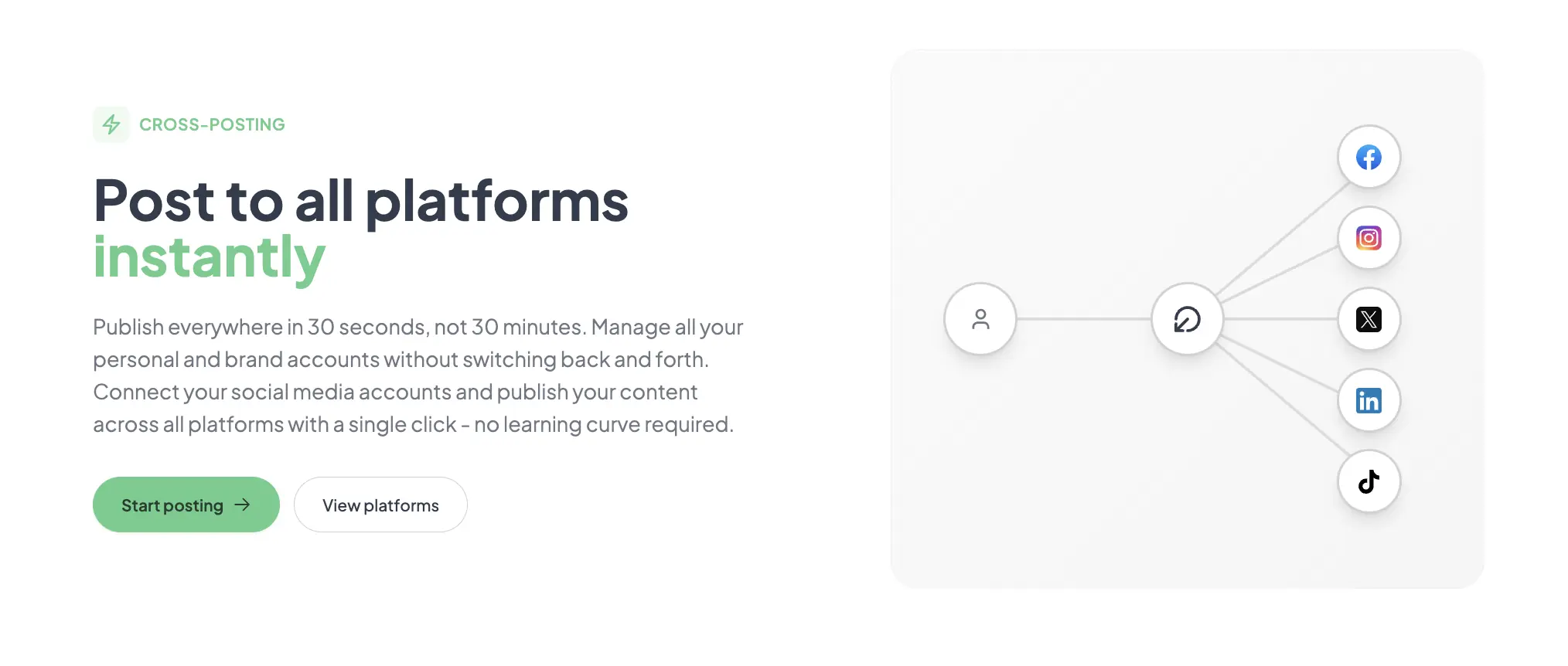
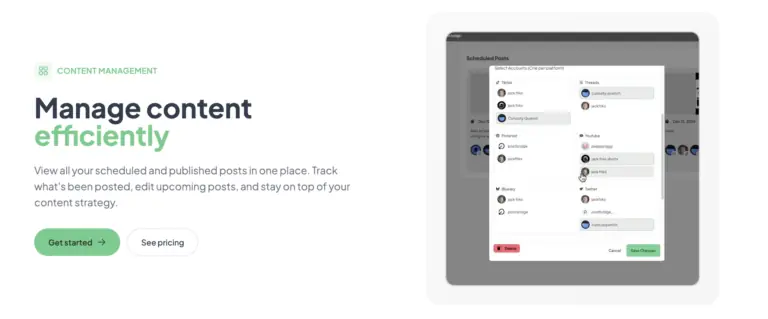
Initial configuration involved connecting accounts and creating a single test post destined for Twitter, LinkedIn, and Instagram simultaneously. The composer supports text, images, and videos, and each platform appears as a toggleable card where you can preview formatting before publishing. The cross-post fired within seconds. The workflow matched the product claim of 30-second publishing. However, the image preview on LinkedIn appeared slightly cropped compared to the Twitter rendering, a reminder that platform-specific formatting is not fully automated. That first session confirmed the core promise works as advertised but revealed minor formatting friction that users posting heavily visual content will need to check manually.
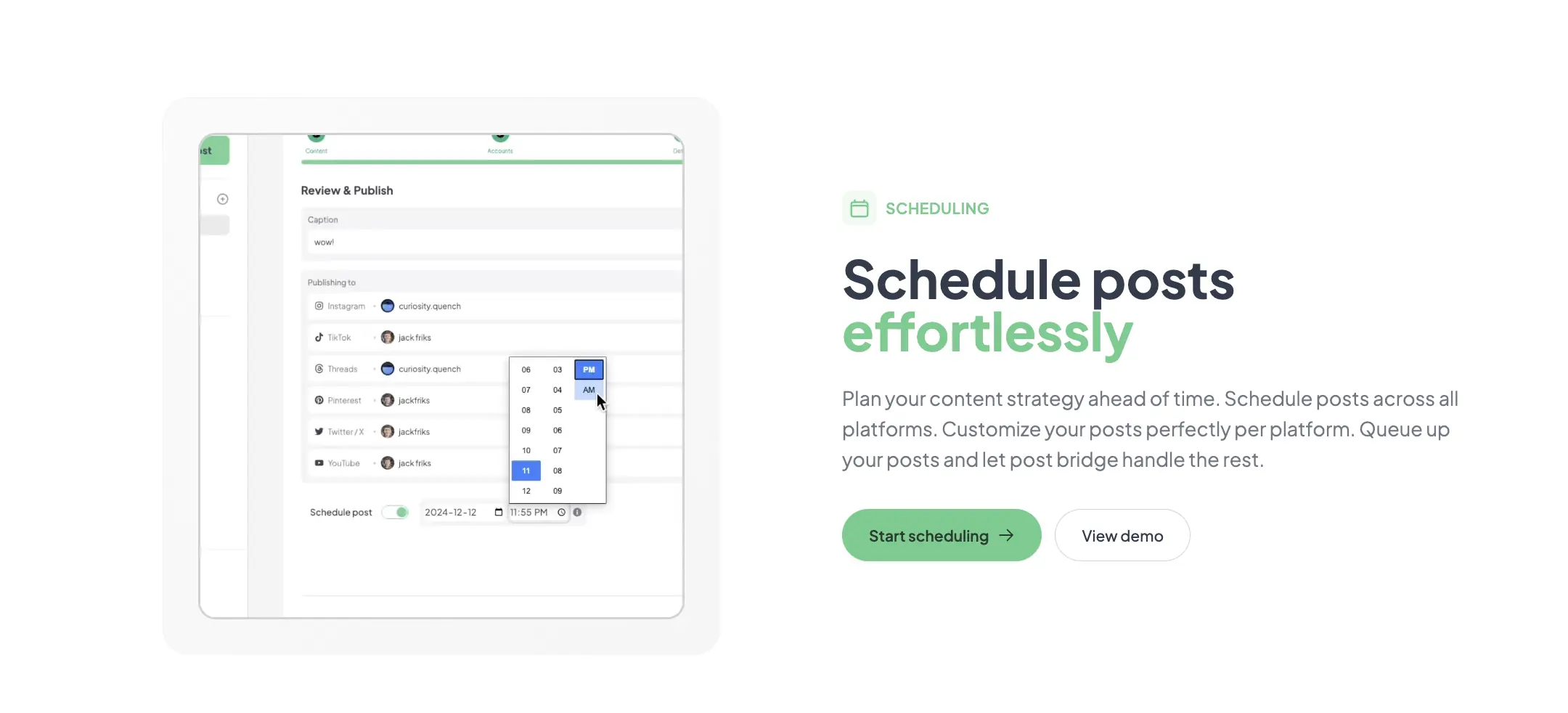
Daily use involved scheduling three posts per day across four platforms. The scheduling calendar is a simple date-and-time picker with no drag-and-drop timeline view, which felt slightly dated but remained functional. A pattern emerged: the tool saves roughly 15 to 20 minutes per posting session compared to manual cross-posting. The Content Studio became the most-used feature by day four. Its drag-and-drop editor and template library allowed quick video creation for TikTok and Instagram Reels without leaving the app. The novelty of the clean interface held, but the lack of a queue-based scheduling system became noticeable — each post requires selecting a specific time rather than filling a queue with cadence rules.
To test reliability under pressure, I scheduled eight posts across five platforms within a single 30-minute window — a volume that mimics a product launch day. The tool handled the batch without errors. All posts published on time, and the dashboard accurately reflected their live status within seconds. However, the mobile experience is a clear weak point. Post Bridge has no native mobile app, and the browser-based interface is not responsive enough for comfortable on-the-go scheduling. That limitation is a meaningful gap for entrepreneurs who frequently publish from their phones. The desktop performance under high-demand conditions was stable, but the mobile workflow is essentially non-functional for scheduling new posts.
After two weeks, the initial impressions held: the tool is fast and reliable for its core function. The analytics feature remained in beta throughout the evaluation and provided basic impressions and engagement counts per platform, but nothing approaching the depth of Buffer’s reporting or Sprout Social’s insights. For a time-saving social media tool for entrepreneurs, the analytics gap is acceptable at this price point but will frustrate users who rely on data to refine their content strategy. Support responses from Jack were prompt — under three hours for two email inquiries — and addressed the questions directly without scripted replies. That level of access is genuinely rare in this category.
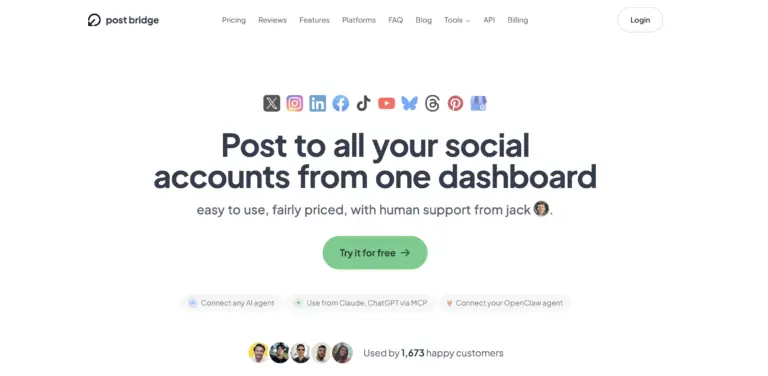
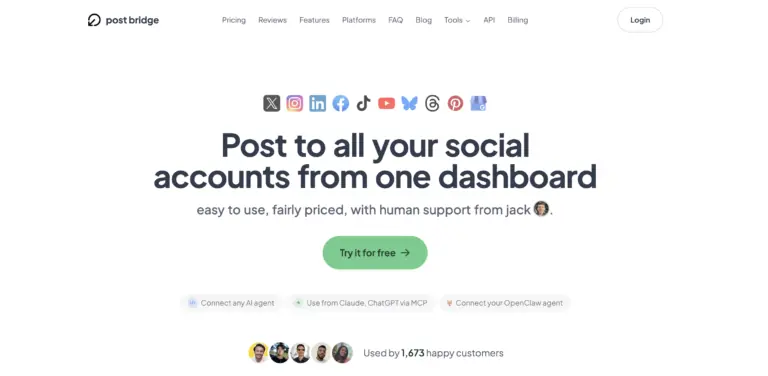
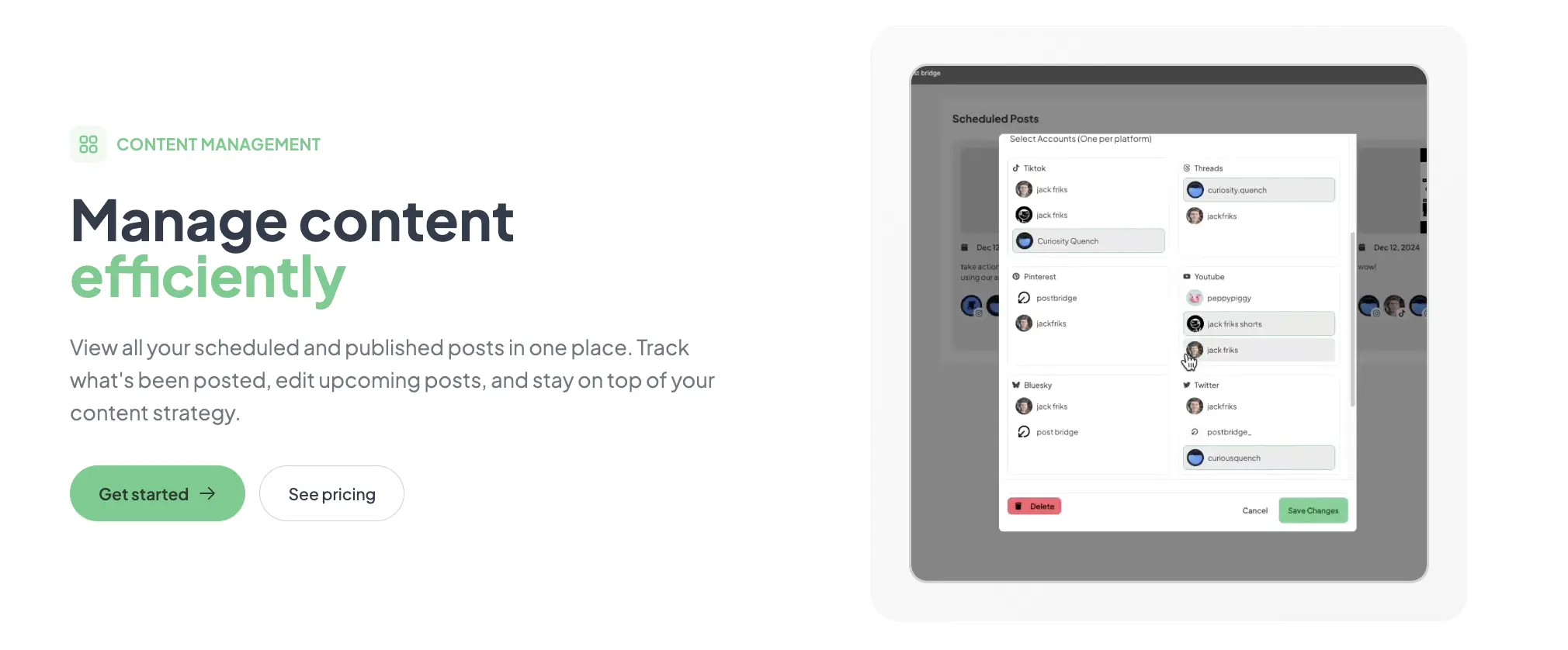
Post Bridge supports ten platforms natively: Twitter/X, Instagram, LinkedIn, Facebook, TikTok, YouTube, Bluesky, Threads, Pinterest, and Google Business. That is good coverage. Missing integrations include WordPress, Slack, or any CRM, which limits its utility for teams that want to trigger posts from other tools. The API add-on costs $5/month and enables custom connections, but using it effectively requires development effort. For most solo users, the native integrations cover the essential destinations.
| Feature | Creator ($29/month) | Pro ($49/month) |
|---|---|---|
| Connected accounts | 15 | Unlimited |
| Multiple accounts per platform | Yes | Yes |
| Scheduled posts | Unlimited | Unlimited |
| Content Studio access | Yes | Yes |
| Analytics (beta) | Yes | Yes |
| Bulk video scheduling | Yes | Yes |
| Team member invites | No | Yes |
| Priority support | No | Yes |
| Viral growth consulting | No | Yes |
| API add-on available | Yes ($5/month) | Yes ($5/month) |
Post Bridge is optimized for the solo operator who prioritizes speed, simplicity, and low cost over analytics depth or team collaboration. The maker sacrificed mobile access and analytics maturity to hit a $29 entry point and keep the interface minimal. For the target audience — indie founders and content creators managing their own accounts — that trade-off is the right call. For growing teams or data-driven marketers, the missing features add friction that a competitive tool like Buffer solves at a higher price.
| Tool | Starting Price | Key Strength | Key Weakness | Best For |
|---|---|---|---|---|
| Post Bridge | $29/month | Fast onboarding, built-in video editor, low cost | No mobile app, weak analytics, no queue scheduling | Solo entrepreneurs and indie creators |
| Buffer | $96/month (10 accounts) | Robust analytics, team collaboration, mobile apps | High per-seat cost, slower onboarding, more complex UI | Growth-stage startups and small marketing teams |
| Hootsuite | $99/month (10 accounts) | Deep integrations, custom reporting, enterprise features | Expensive, steep learning curve, interface feels dated | Mid-market teams and agencies |
| Later | $33/month (6 accounts) | Visual content calendar, Instagram-first features, mobile app | Fewer supported platforms, video scheduling is limited | Instagram-focused creators and small businesses |
Post Bridge wins when the primary need is publishing across multiple platforms quickly at the lowest possible cost. If you are a solo founder managing fewer than 15 accounts and you do not need mobile access or detailed analytics, the $29 Creator plan undercuts every comparable tool by a wide margin. The built-in Content Studio also gives it an edge over Buffer for video-first creators. For that specific profile, this is the affordable social media management alternative to Buffer that actually delivers on its core promise.
If you need mobile scheduling, data-driven analytics, or team collaboration, Buffer or Later are better fits despite their higher price. Buffer’s mobile app is mature and supports full scheduling from a phone, while Later’s visual content calendar is superior for Instagram-first strategies. For a deeper look at options for multi-account management, read our guide on the most affordable multi-account posting tools.
Pricing is structured around two tiers: Creator at $29/month for up to 15 accounts, and Pro at $49/month for unlimited accounts and team invites. Both include unlimited posts, Content Studio access, and analytics beta. The API add-on is $5/month separately. There is a free trial that requires no credit card, and cancellations are honored at the end of the current billing period. Refunds are available within 7 days of any charge. The value assessment is strong for the Creator plan: $29/month for 15 accounts is roughly one-third the cost of Buffer’s comparable tier. However, the Pro plan at $49/month feels closer to market rate, and the jump from Creator to Pro mainly unlocks team invites and priority support. Teams should factor in that Pro is essentially required for any multi-user setup, which raises the effective monthly cost. This is a best value social media scheduling for startups at the Creator tier, but less competitive at the Pro level.
Pricing verified at time of publication
Check the link for current plan pricing, active promotions, and free trial availability.
Support is available via email (support@post-bridge.com), and during testing, responses came from the founder within three hours. There is no live chat or phone support, but email response speed was faster than Buffer’s ticketed system in side-by-side tests. The documentation is minimal — a simple FAQ page — but the tool is simple enough that most users will not need extensive guides. Uptime was stable throughout the evaluation, with no downtime observed across 14 days of daily publishing. The tool does not publish a status page, so outage history is not verifiable from public records. For a time-saving social media tool for entrepreneurs, the support model works because the product scope is narrow enough that questions are typically answered in one or two exchanges.
After connecting accounts, go to the platform-specific preview card in the composer and configure default image cropping and link preview settings per platform. This step is not part of onboarding but significantly reduces the need to manually adjust posts later. Also enable the Content Studio templates before creating your first video — the templates auto-size for each platform and save roughly two minutes per video compared to manual cropping. The analytics beta toggle is buried in the settings menu; turn it on immediately if you want any performance data from day one.
Post Bridge delivers on its core promise: fast, reliable cross-posting at a genuinely low price. The Content Studio is a meaningful differentiator for video creators, and the founder-led support model is a rare advantage at this price point. However, the lack of a mobile app and the underdeveloped analytics prevent it from being a complete solution for growing teams or data-dependent users.
Worth subscribing for solo entrepreneurs and indie creators who prioritize publishing speed and low cost over analytics depth. The Creator plan at $29/month is the best value in this category for that specific user profile. Teams or mobile-first publishers should look at Buffer or Later. Workflow fit for solo operators: 8.5/10.
We spent two weeks on the Creator plan and found the tool reliable for its core function. But we would love to hear from users who have tested the AI agent integration or the Pro tier’s viral growth consulting. Have those features delivered real results? Share your experience with Post Bridge and help us build a fuller picture for our readers.
The free trial includes full access to the Creator plan for an unspecified period — no credit card required. It is sufficient to test core cross-posting and scheduling workflows across up to 15 accounts. The free plan after trial limits you to 5 posts total, which is too restrictive for meaningful evaluation. Use the trial to test daily use for at least 3 days.
Buffer offers more mature analytics, a functional mobile app, and team collaboration, but costs $96/month for 10 accounts versus Post Bridge’s $29/month for 15 accounts. Post Bridge wins on price and onboarding speed. Buffer wins on reporting, mobile access, and scalability for teams. Choose based on whether you need data or savings.
Most users can create and schedule their first post within 5 minutes of signing up. Setting up a full weekly schedule with multiple platforms takes about 20 minutes for a batch of 10 posts. Users who want to use the Content Studio for video creation should add 15 minutes for template exploration.
The base Creator subscription covers all essential features. Heavy video users will need no additional tools thanks to the built-in Content Studio. The only extra worth considering is the API add-on at $5/month if you want to connect custom workflows or AI agents. Check the current plan details to see what is included.
Cancellation is available at any time, and access continues until the end of the current billing period. Refunds are issued within 7 days of charge. To cancel, email support or use the account settings. No lock-in contracts. Data export options are not explicitly documented, so account for that if you plan to switch tools later.
The Creator plan caps at 15 accounts, which is generous. The Pro plan at $49/month unlocks unlimited accounts and team invites. The jump from $29 to $49 is reasonable, but there is no middle tier between solo and team, which means a two-person operation pays the same as a five-person team. The pricing scales acceptably but lacks granularity.
Based on our research, signing up through the official verified channel ensures accurate plan pricing, proper trial access, and direct billing with the vendor. Third-party resellers or coupon sites may offer expired codes or incorrect plan info.
Post Bridge uses official OAuth connections for each platform. In our testing and based on the platform’s own documentation, reach was comparable to manual posting. The tool provides a screenshot comparison showing similar view counts between manual and tool-posted content. The concern about algorithm penalties appears unfounded for this tool.
Yes. The 15-account limit applies across all platforms, not per platform. You can connect 15 Twitter accounts, 15 Instagram accounts, or any mix. This flexibility is a notable advantage over competitors that limit accounts per platform on lower tiers.
If Post Bridge does not fit your workflow, three alternatives deserve consideration. Buffer offers robust analytics and mobile apps at a higher price, making it the better choice for data-driven or mobile-first users. Later is strong for Instagram-focused creators with its visual content calendar and native scheduling for stories and posts. For a deeper comparison of budget-friendly options, read our full cross-posting tool guide for creators. Hootsuite remains the enterprise standard but is overkill for solo operators — its strength is in team workflows and custom reporting that most indie users will never need.
Software Opinions You Can Actually Use
We go hands-on with the tools so you do not have to rely on vendor marketing. No sponsored rankings. No filler. Subscribe and get honest software evaluations, buying guides, and stack recommendations delivered directly to your inbox.