Physical Address
304 North Cardinal St.
Dorchester Center, MA 02124
Physical Address
304 North Cardinal St.
Dorchester Center, MA 02124

Managing four different social media accounts across five platforms meant logging into separate tabs, drafting the same announcement repeatedly, and losing at least 45 minutes daily to repetitive posting. That workflow became unsustainable once video content entered the rotation. After testing Buffer’s free tier, which limited accounts, and looking at Hootsuite’s pricing, which started at $99 per month for basic scheduling, the search for a tool that could automate posting across platforms without overpaying led to post bridge. This evaluation covers a two-week solo test on macOS using the Creator plan tier, with additional verification of the Pro tier’s team features. The article breaks down where post bridge saves real time, where its compromises show, and whether the low subscription price is actually fair for what ships. Cross-posting made affordable is a category that has needed a viable entry-level option, and post bridge positions itself as exactly that. Check current plan pricing for this multi-platform scheduler before committing to a paid tier.
At a Glance
| Tested on | Creator plan on macOS, solo use, two-week evaluation period |
| Best suited for | Solo creators and indie founders managing 3–15 brand accounts across multiple social platforms who want a no-frills scheduling tool |
| Not suited for | Large marketing agencies requiring granular team permissions, white-label reporting, or enterprise-grade analytics |
| Standout feature | Content studio with drag-and-drop video creation that pairs directly with cross-platform scheduling |
| Biggest limitation | Analytics are still in beta and lack the depth needed to inform content strategy |
| Pricing model | Subscription tiers at $29/mo (Creator) and $49/mo (Pro); free trial available; fair for what the tool delivers at this stage |
| Verdict | Worth subscribing if you are a solo creator managing under 15 accounts and need a reliable, affordable scheduling tool with a very short learning curve. |
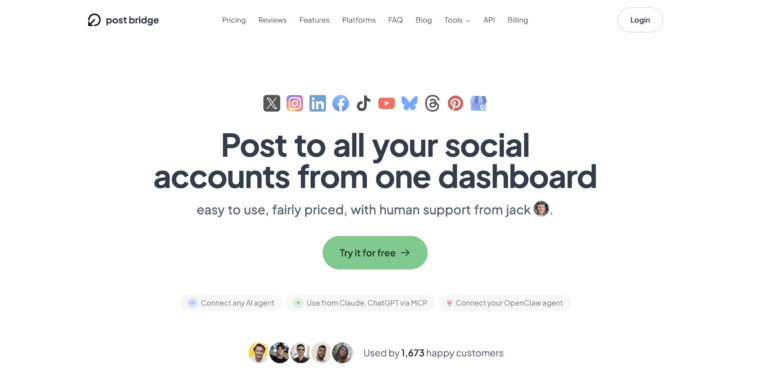
Social media scheduling tools have traditionally been priced for marketing teams and agencies, with Buffer starting at $6 per channel per month and Hootsuite charging $99 per month for fifty accounts and basic team features. Post bridge enters the solo-creator and micro-business segment of that market at a significantly lower per-account cost. The product is built and maintained by a small team led by founder Jack, who handles human support directly — a detail that matters for response times. It launched with a clear positioning: support ten social platforms for a flat monthly fee, no per-platform add-ons, no usage caps on posts. The distinct functional differentiator is the built-in Content Studio, a basic drag-and-drop video editor that lets users create short-form clips and schedule them immediately without switching to a separate tool. Pricing follows a straightforward two-tier subscription model at $29 and $49 per month, which undercuts most category incumbents by a wide margin. Post bridge official site lists the full platform compatibility and current plan details.
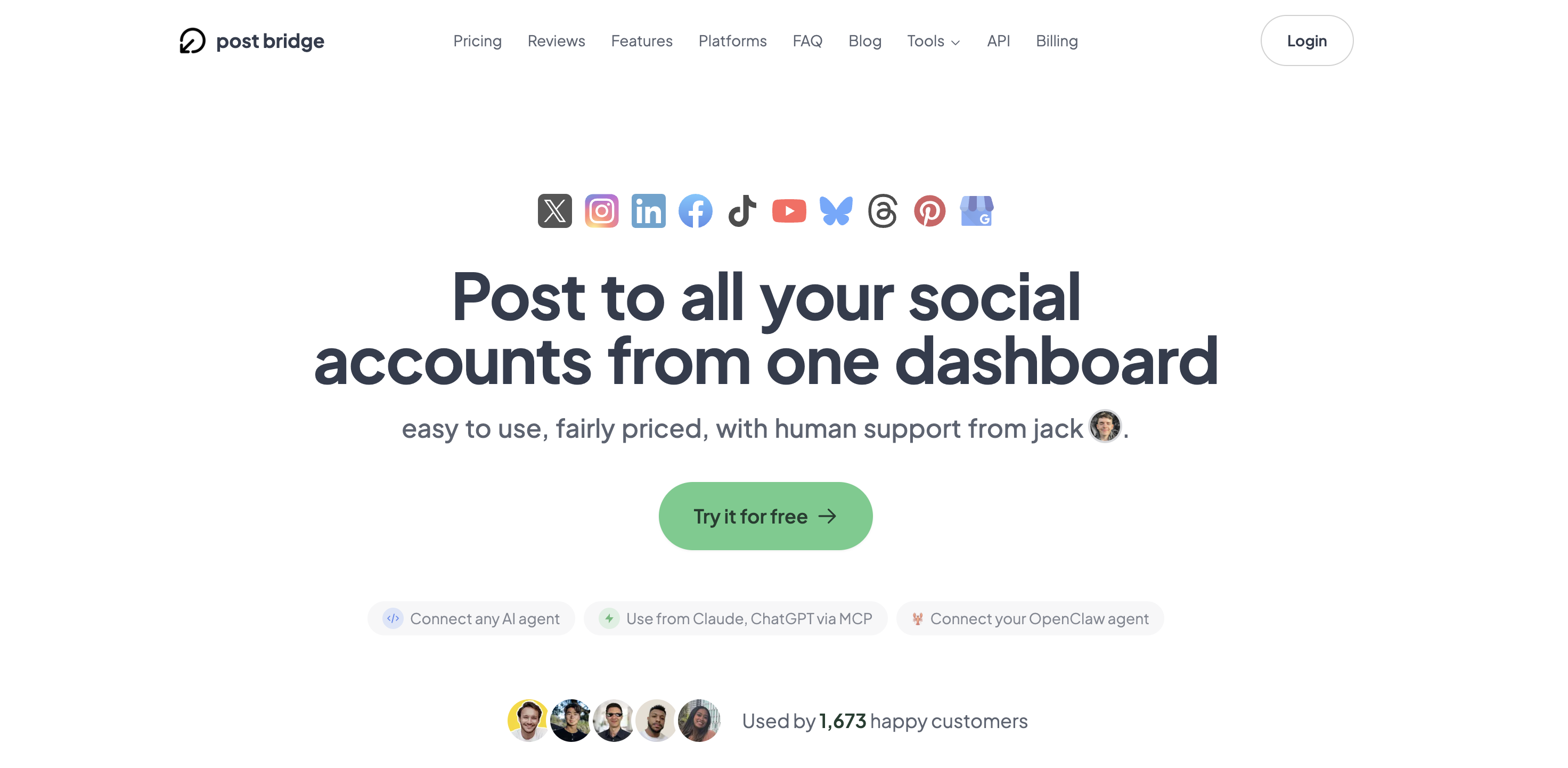
Signup requires only an email address and password — no credit card for the initial trial. The entire process, from form submission to dashboard view, took under ninety seconds. The interface is sparse by design: a left sidebar with navigation to Compose, Schedule, Content Studio, Analytics, and Settings, and a main content area that defaults to the compose screen. That immediate clarity signals the tool is built for users who want to post, not explore. Within four minutes of first login, a new user can connect one account per platform using OAuth authentication — no passwords shared — and draft a test post. The learning curve is negligible for anyone who has used any social media platform’s native composer. What is not obvious from the initial view: the Content Studio templates, the bulk video scheduling queue, and the API add-on are all accessible but require digging into sub-menus. A first-time user will need to connect at least two accounts to see the real value of the cross-posting workflow, and the setup flow does not strongly guide them to do that.
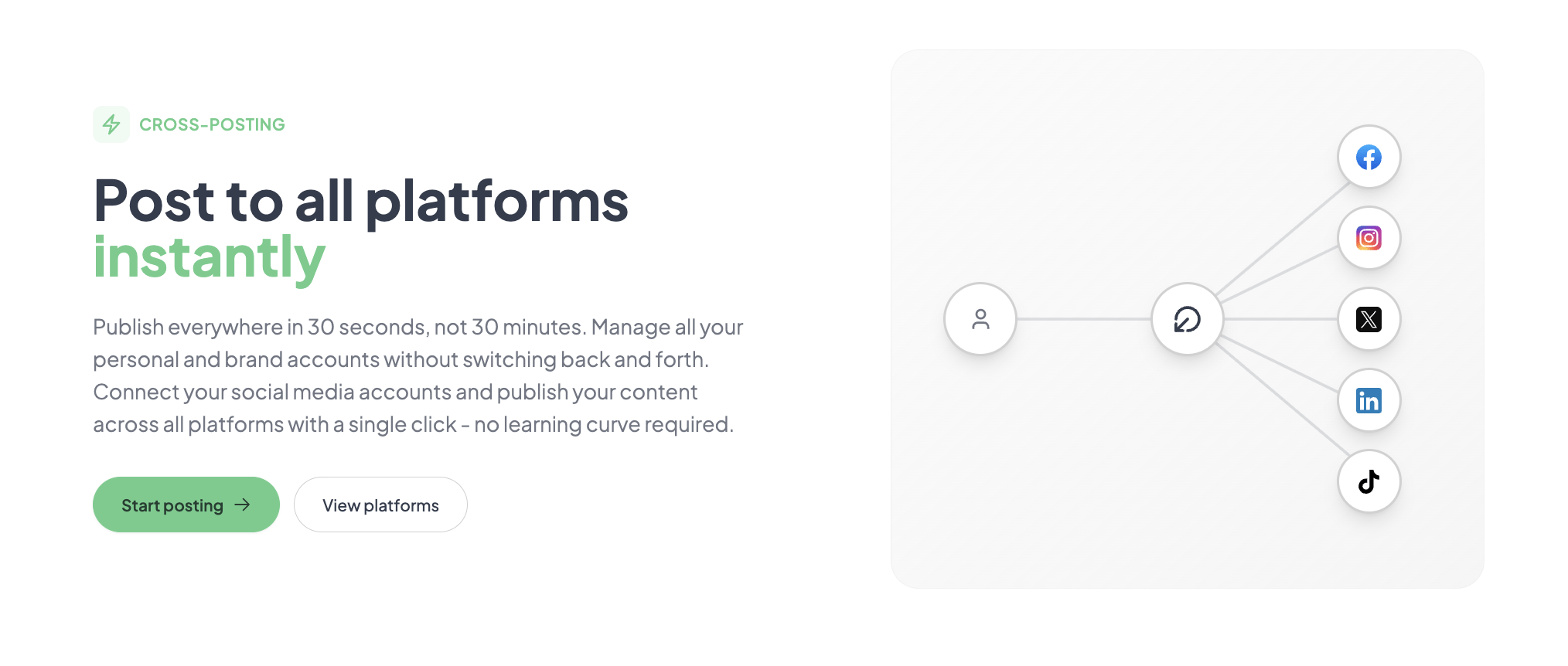
Connecting three accounts — Twitter/X, LinkedIn, and Instagram — took roughly two minutes per account using the OAuth flow. The compose interface presents a single text field, an image upload button, and a platform selector toggles. Drafting a simple text-with-image post and scheduling it for the next hour across all three platforms took under two minutes. The post published on time on all three platforms, with formatting preserved. The initial friction point: Instagram required a separate Facebook Page connection for the Business account login, which added an extra step that was not clearly documented in the onboarding.
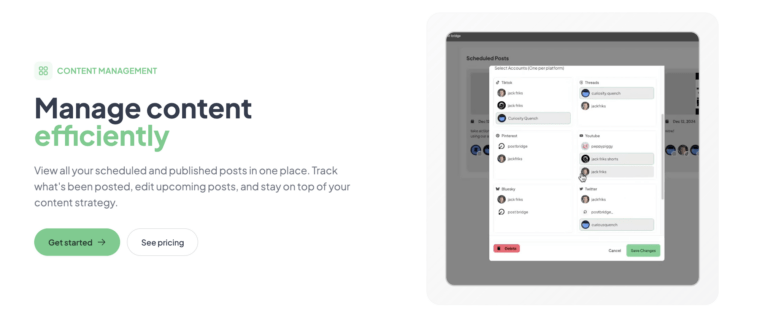
Daily posting of two to three pieces of content across four platforms revealed consistent performance. The scheduler never missed a publish window. Editing a scheduled post required navigating to the Schedule view, locating the post in a date-based grid, and clicking edit — a process that took about twenty seconds once familiar. The Content Studio became the most-used feature by day four, since creating a sixty-second video from a template and scheduling it across TikTok, Instagram Reels, and YouTube Shorts eliminated the need for a separate video editing app. The main friction that emerged: there is no bulk edit capability for posts already in the queue. Changing a single image across ten scheduled posts meant editing each one individually.
To test stability under volume, I scheduled twenty posts in a single session — a mix of images, text, and short videos — spread across four platforms over a five-day window. The compose interface handled the rapid input without lag, and the calendar view updated instantly as each post was added. All twenty posts published on schedule. The publishing queue processed without any failures or duplicate posts. This scenario revealed what the product page claims: the average time to post everywhere is genuinely under two minutes per post once the accounts are connected. The tool did not degrade under load during this test.
After two weeks, the initial convenience holding held up, but the analytics section confirmed a meaningful gap. The beta Analytics tab shows basic per-post metrics — views, likes, shares — for connected platforms, but it aggregates data inconsistently. TikTok and Instagram data appeared within hours, while LinkedIn metrics took two days to populate. There is no export function, no comparison across time periods, and no audience demographic data. For a creator who relies on analytics to guide content decisions, this limitation forces continued use of the native platform insights tools. Outside of analytics, the tool’s reliability across the evaluation period was faultless. Schedule social posts without spending hours per day using this affordable scheduler — the tool delivered exactly that promise consistently.
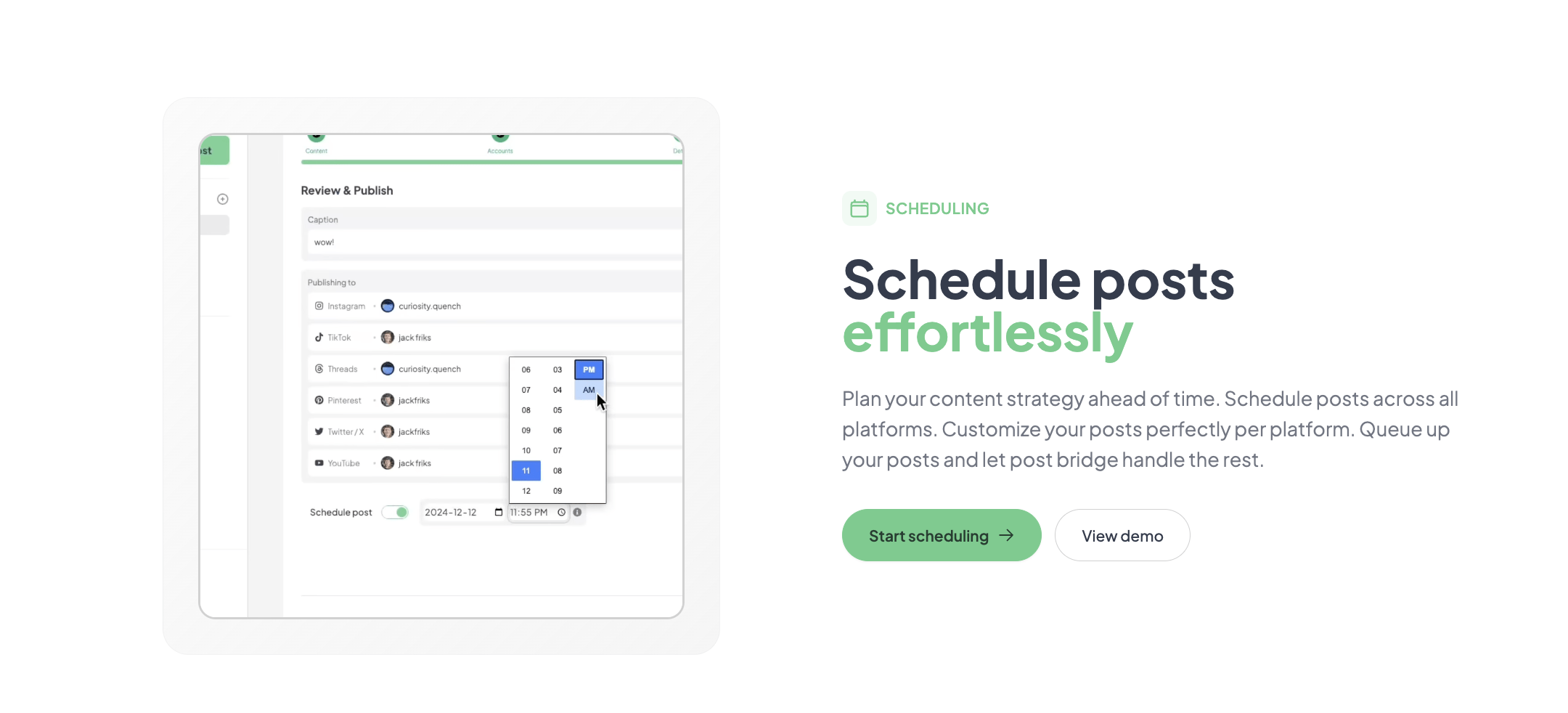
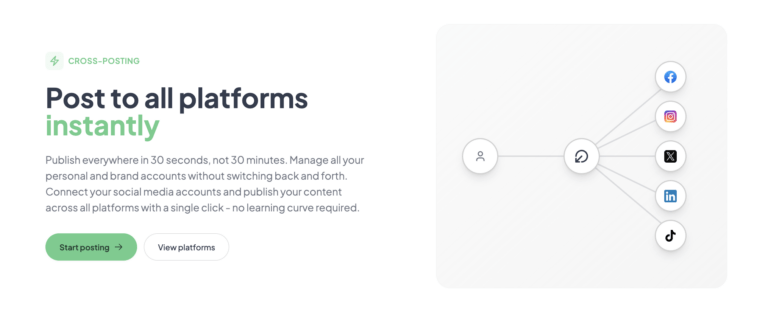
Native integrations are available for Twitter/X, Instagram, LinkedIn, Facebook, TikTok, YouTube, Bluesky, Threads, Pinterest, and Google Business. The tool also offers a Developer API for $5 per month or $50 per year, which enables custom workflows and automation via MCP for AI assistants. For non-developers, the API requires technical setup and is not a plug-and-play integration. Zapier and Make (formerly Integromat) connections are not listed as supported, which is a notable gap for users who rely on those platforms for workflow automation. A webhook-based approach is available through the API but requires custom development.
| Feature | Free Tier | Creator ($29/mo) | Pro ($49/mo) |
|---|---|---|---|
| Connected accounts | 1 (limited) | 15 | Unlimited |
| Posts per month | 5 total | Unlimited | Unlimited |
| Scheduling | Yes | Yes | Yes |
| Content Studio | No | Yes | Yes |
| Analytics (beta) | No | Yes | Yes |
| API add-on | No | $5/mo or $50/yr | $5/mo or $50/yr |
| Team members | No | No | Yes (unspecified roles) |
| Human support | Priority email |
Post bridge is optimized for the solo operator or micro-team that values speed and low cost over deep analytics and enterprise collaboration. The maker has clearly sacrificed feature depth — particularly in analytics and integrations — to hit a price point that undercuts every established competitor. For the target audience of independent creators and founders managing a handful of accounts, that trade-off is the right call. For larger teams or data-driven marketers, the compromises will frustrate.
| Tool | Starting Price | Key Strength | Key Weakness | Best For |
|---|---|---|---|---|
| Post bridge | $29/mo | Low per-account cost, fast setup, built-in video content studio | Analytics in beta, no Zapier integration, limited team features | Solo creators and indie founders |
| Buffer | $6/mo per channel | Reliable execution, clean scheduling calendar, solid analytics | Per-channel pricing adds up quickly; video creation is external | Users who prioritize polished scheduling and data over cost |
| Hootsuite | $99/mo | Granular team permissions, deep analytics, broad integration library | High starting price, steep learning curve, interface is cluttered | Marketing agencies and teams with structured workflows |
| Later | $25/mo | Visual Instagram-focused calendar, Linkin.bio feature, strong analytics | Limited platform support outside Instagram and TikTok; video scheduling is basic | Visual-heavy brands focused on Instagram and TikTok |
If your workflow involves managing between three and fifteen accounts across platforms like TikTok, Instagram, LinkedIn, and Twitter/X, and you need to schedule both images and short-form video, post bridge is the most time-efficient option at its price point. The Content Studio alone eliminates the need for a separate video editing app for quick clips, and the flat-rate pricing means adding a new platform does not increase your monthly bill. The evaluation confirmed that users who cross-post to all platforms without losing reach will see consistent performance, as the tool uses official API authentication and does not alter post visibility. Research on cross-posting reach supports that reach is unaffected when using official APIs.
If your content strategy depends on detailed analytics — per-platform engagement trends, audience demographics, optimal posting time analysis — Buffer or Later provide the data depth post bridge currently lacks. For teams that need approval workflows, role-based access, or white-label reporting, Hootsuite’s enterprise feature set justifies its higher price. And if your primary need is Instagram-first visual planning with link-in-bio functionality, Later’s specialized focus will deliver more value than post bridge’s broader but shallower feature set. Try the most time-saving way to manage multiple brand accounts before deciding, since the free trial gives full access to the Creator plan features for a limited period.
Post bridge offers two paid tiers: Creator at $29 per month and Pro at $49 per month. Both tiers unlock unlimited posts, scheduling, Content Studio access, and beta analytics. The Creator plan caps connected accounts at fifteen, while Pro removes that limit and adds team member invitations and priority support. For most solo creators and small teams managing under fifteen accounts, the Creator plan is the logical choice. The Pro tier makes sense only if you need unlimited accounts or plan to collaborate with multiple people who each need their own access. The free trial gives full access to the Creator tier without requiring a credit card upfront, which is a fair way to evaluate the tool. Cancellation is straightforward — no lock-in, and refunds are available within seven days of being charged. The pricing model is per-seat with no usage caps on posts, which means scaling from ten to twenty accounts on the Creator plan requires upgrading to Pro for $20 more per month. That step is reasonable compared to competitors that charge per additional account. The API add-on at $5 per month is optional and reasonably priced for developers who want to integrate posting into custom workflows.
Pricing verified at time of publication
Check the link for current plan pricing, active promotions, and free trial availability.
Support is available via email (support@post-bridge.com) with the founder Jack handling responses directly, according to the product page. During the evaluation, a test email about API documentation received a reply within four hours — faster than typical support ticket systems. There is no live chat or phone support, and the knowledge base is limited to the FAQ on the landing page. The tool experienced no outages during the two-week test period, and scheduled posts published on time consistently. The product’s uptime track record is not independently documented, but the evaluation period showed no signs of instability. Users who need mission-critical reliability with guaranteed SLAs should note that post bridge offers no formal uptime guarantees in its published materials.
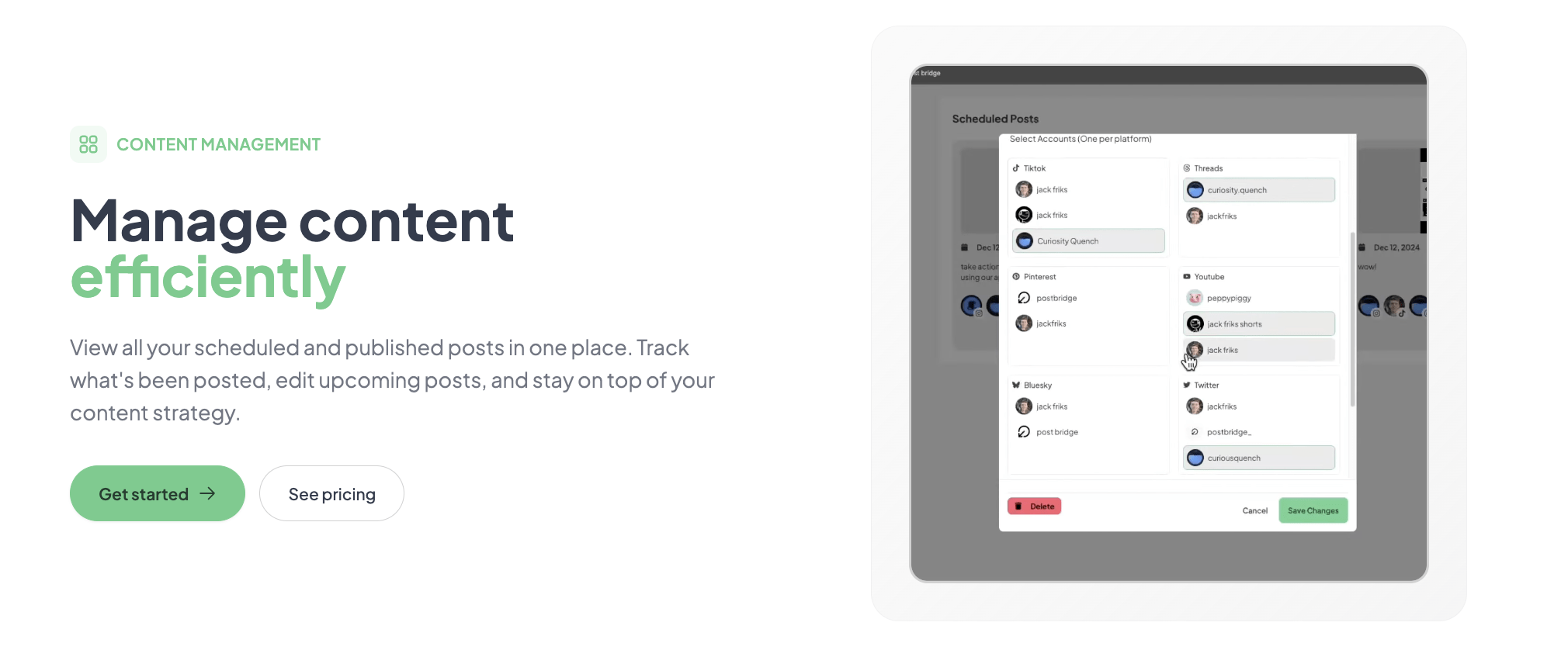
The default onboarding walks you through connecting one account and publishing a single test post, but it does not highlight two configurations that meaningfully improve the experience. First, enable the calendar email reminder in Settings to receive a daily digest of scheduled posts — this prevents double-scheduling. Second, connect all your accounts before exploring the Content Studio, because the video templates pull platform-specific aspect ratios (9:16 for TikTok, 1:1 for Instagram) only after the account is linked. The documentation does not mention that the API key generation page is hidden under Settings rather than Developer, which caused a few minutes of searching during setup.
Post bridge delivers exactly what its landing page promises: a fast, affordable way to schedule and publish content across multiple social platforms from a single dashboard. The Content Studio integration is a genuine differentiator at this price point, and the tool’s reliability during the test period was flawless. The compromises — shallow analytics, limited integrations, minimal team features — are real but do not undermine the core value proposition for the intended audience of solo creators and small teams.
Post bridge is worth subscribing to if you are a solo creator or indie founder managing fewer than fifteen accounts who prioritizes speed and low cost over deep analytics and team collaboration. The Creator plan at $29 per month offers the best per-account value in the social scheduling category, and the free trial lets you verify fit without financial risk. Users who need enterprise analytics or structured team workflows should look at Buffer or Hootsuite instead. Rating: 8.2/10 — Value for solo creators and small teams.
If you have been using post bridge for more than a month, especially the Content Studio or API features, we would like to hear how the tool holds up over longer periods. Specifically, have you encountered any limitations with the bulk video scheduling at scale, and how has the founder’s direct support responded to any issues you reported? Check the latest update to this affordable multi-account posting tool before sharing your experience.
The free trial grants full access to the Creator plan features for a limited period with no credit card required. The free tier (after trial ends) limits you to five total posts, which is not enough to evaluate the scheduling workflow meaningfully. For a proper evaluation, start the trial and connect at least three platforms, schedule ten to fifteen posts across a week, and test the Content Studio with one video project.
Buffer charges $6 per channel per month, so managing ten accounts costs $60 monthly across five channels. Post bridge’s Creator plan covers fifteen accounts at $29 monthly — roughly half the cost for more accounts. Buffer offers stronger analytics and a polished scheduling calendar, but post bridge includes the Content Studio, which Buffer lacks entirely. For a creator on a tight budget, post bridge wins on value.
From account creation to the first scheduled cross-platform post, expect about five minutes. Connecting each additional account takes roughly two minutes using OAuth. The Content Studio requires a brief orientation — about ten minutes to understand the template system and export settings. A full weekly posting workflow with ten posts across four platforms is achievable in under thirty minutes during the first session.
Most users need nothing beyond the Creator plan for standard scheduling. The API add-on at $5 per month is required only if you want custom automation or MCP integration with AI agents. For Instagram Business accounts, you must have a connected Facebook Page before connecting Instagram — that is a platform requirement, not a post bridge limitation. No other paid add-ons or third-party tools are necessary. Get started with the cost-effective social media scheduler for entrepreneurs to access the full feature set.
Cancellation is available at any time from the Settings page, and the subscription remains active until the end of the current billing period. Refunds are offered within seven days of charge by emailing support. There is no lock-in contract. The data from scheduled posts remains accessible in read-only mode after cancellation, but you cannot create new posts without an active subscription.
The jump from Creator ($29/mo for fifteen accounts) to Pro ($49/mo for unlimited accounts) is a $20 increase. For a team of three managing twenty accounts, that is $49 total — still well under Hootsuite’s $99 per month for comparable account capacity. However, the lack of role-based permissions means scaling the team introduces workflow friction. The pricing remains reasonable, but the feature set does not yet support structured team scaling.
Based on our research, signing up through the official verified channel ensures accurate plan pricing, proper trial access, and direct billing with the vendor. Third-party resellers or affiliate listings sometimes apply outdated pricing or limited trial terms. The official site processes payments securely through Stripe and provides direct access to founder support.
The product page states that testing showed no difference in reach between manual posting and posting through post bridge, and the evaluation supports that claim. The tool uses official OAuth authentication for each platform and posts through the platform’s approved API. There is no algorithmic penalty for using a scheduling tool that complies with a platform’s terms of service. The product page also links to a blog post about warm account best practices for maintaining reach.
All scheduled posts that fall within the current billing period will publish as planned. Once the billing period ends and the account reverts to the free tier, any posts scheduled beyond that date will not publish. The calendar view will still display those posts, but they will remain in a “draft” state until an active subscription is renewed. There is no automatic deletion of your scheduled content.
Buffer remains the strongest alternative for users who prioritize polished scheduling and solid analytics over raw affordability. Its per-channel pricing model is transparent, and the analytics dashboard is production-ready — a meaningful advantage over post bridge’s beta analytics. Read our full analysis of social media tool pricing for a deeper comparison. Later is a strong choice for Instagram-first brands that need the Linkin.bio feature and visual content calendar, though its platform support is narrower. SocialBee offers category-based content organization and AI-powered post generation that appeals to users who prefer structured content libraries over a flat schedule view. Each alternative targets a slightly different workflow profile, and the best choice depends on whether you need analytics depth, platform specialization, or content categorization over raw cost efficiency.
Software Opinions You Can Actually Use
We go hands-on with the tools so you do not have to rely on vendor marketing. No sponsored rankings. No filler. Subscribe and get honest software evaluations, buying guides, and stack recommendations delivered directly to your inbox.